iRacing data analysis tools range from the free, native telemetry you already own to subscription platforms and a new wave of AI-assisted coaches that read your laps and hand back plain-language advice. For most drivers the honest answer is a free analyzer plus one paid tool that matches how you learn: a data-comparison service if you like graphs, an AI coach if you want it interpreted for you. I run a free MoTeC export for deep work and lean on a comparison platform for quick session checks.
iRacing is the best-served sim for data because its telemetry is clean, native, and ubiquitous, so every analysis tool worth using supports it. The decision is not whether to analyse — it is which tool fits your patience and your wallet. This guide walks the landscape, from the free options to the AI coaches, and is one spoke of the broader sim racing telemetry guide.
Start With What iRacing Already Gives You
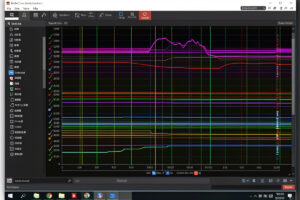
Before paying for anything, know that iRacing records your telemetry automatically. Every lap you drive can be written to an .ibt file, and that file opens — after a quick conversion — in the free MoTeC i2 software the pros use. That alone is a complete analysis stack at zero cost, and it is where I would start every new data-curious driver. The MoTeC guide covers the import and workspace in detail.
The reason to look beyond free tools is friction and interpretation. MoTeC is powerful but unguided; it shows you everything and explains nothing. Paid platforms reduce the friction (one-click import, shared reference laps) or add interpretation (telling you that you brake too late into turn four). Whether that is worth a subscription depends entirely on how much you value your time versus your money.
The Three Kinds of iRacing Analysis Tool
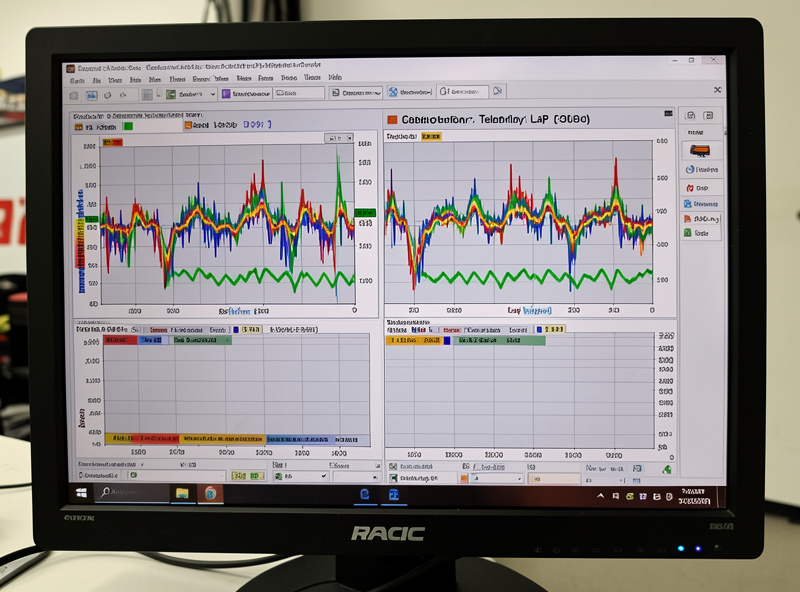
It helps to sort the options into three buckets. First, free analyzers: MoTeC i2 and similar, which read your raw data and leave the thinking to you. Second, data-comparison platforms: subscription services that store laps, let you compare against a huge library of other drivers’ laps, and surface where you differ. Third, AI coaches: tools that ingest your telemetry and return spoken or written feedback in something close to plain English.
Each bucket suits a different driver. The free analyzer suits the tinkerer who enjoys the data itself. The comparison platform suits the driver who learns by example and wants a fast benchmark against people who are quick at their car and track. The AI coach suits the driver who finds graphs opaque and wants the conclusion handed over. None is strictly better; they trade money, time, and how much interpretation you want done for you.
| Tool Type | Examples | What It Does | Cost Model | Best For |
|---|---|---|---|---|
| Free analyzer | MoTeC i2, native export | Reads raw data, you interpret | Free | Tinkerers, deep analysis |
| Comparison platform | Garage61, VRS-style services | Compare laps vs a driver library | Subscription | Learning by example |
| AI coach | AI-driven coaching apps | Plain-language feedback on your laps | Subscription | Drivers who dislike graphs |
| Overlay suite | Racelab, Z1 | Live overlays plus analysis | Free tier / paid | On-track feedback |
What the AI Coaching Tools Actually Do
The AI coaching tools are the newest and most over-hyped category, so it is worth being precise about what they do. They take your telemetry, compare it against a fast reference for the same car and track, and translate the differences into instructions — brake later here, get to throttle earlier there, carry more speed through this corner. The good ones are genuinely useful for drivers who cannot yet read a trace, because they collapse the interpretation step.
The honest limitation is that they are only as good as their reference and their model of the corner. AI coaches report improvements for many drivers, but they can give generic advice on unusual corners or with unusual setups, and they do not replace learning to read the data yourself. I treat them as a fast first pass that points me at the right corner, then confirm with the actual trace. They are a shortcut to the question, not always the answer.
Comparison Platforms: Learning From a Library
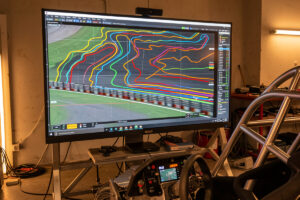
The data-comparison platforms are, for many iRacing drivers, the sweet spot. They store every lap you drive and let you overlay yours against a large library of other drivers’ laps at the same car and track — including people meaningfully faster than you. Seeing exactly where a quicker driver brakes, turns, and gets to power, in your own data format, is one of the fastest ways to improve I know.
The value is the reference quality. A good comparison platform means you are never short of a fast, relevant lap to measure against, which is the single biggest bottleneck in self-analysis. The method itself is the same overlay-and-delta loop covered in the comparison laps guide and the reading telemetry data guide — the platform just removes the chore of finding and importing a reference.
How to Choose Without Wasting Money
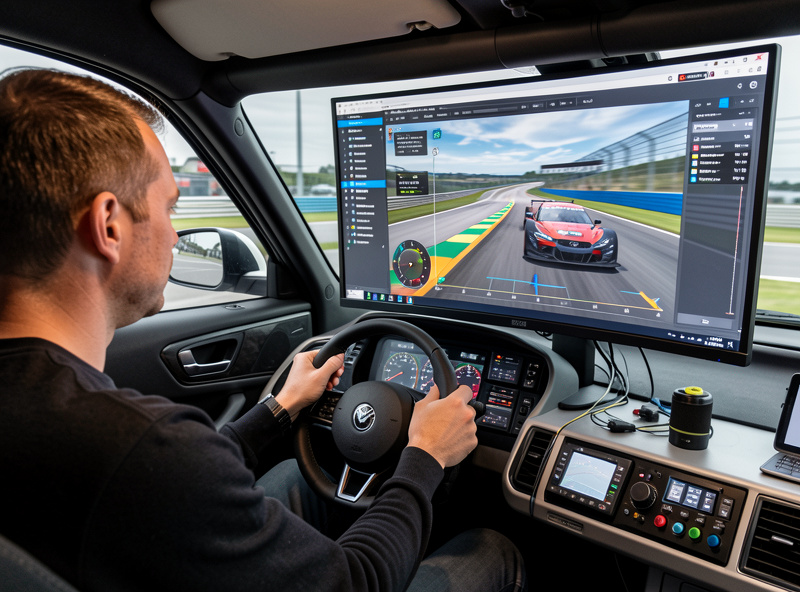
My advice is to earn the subscription. Start with the free MoTeC stack and actually use it for a few weeks. If you find you enjoy the data and learn from it, you may never need to pay. If you find the import friction kills your motivation, a comparison platform removes it. If you find the graphs themselves opaque, an AI coach interprets them for you. Buy the tool that fixes your specific blocker, not the one with the best marketing.
Whatever you choose, remember the data is only as good as the hardware producing it. A consistent load-cell brake and a rigid rig give you clean, repeatable traces that any of these tools can read; a noisy pedal makes every tool guess. The surrounding setup — covered across the telemetry hub and the iRacing beginner guide — matters as much as the analysis software you bolt on top.
Building an iRacing Analysis Routine That Sticks
The tool matters less than the habit. The drivers who actually improve are the ones who debrief every serious session, not the ones with the most expensive subscription. My routine is simple: after a practice stint I pull my best clean lap, overlay it on a reference, find the two corners costing the most, and write down one concrete change to try next time. That loop works with free MoTeC or a paid platform alike.
What a paid tool buys you is speed through that loop. A comparison platform means the reference is already there; an AI coach means the two corners are already flagged. But if you will not sit down and review, no tool helps. I would rather see a driver religiously debrief with free software than own three subscriptions they never open. Pick the cheapest setup you will actually use, and build the routine first.
One practical tip: keep your analysis on the same machine and network as your driving so pulling data is frictionless. I run the sim PC on a wired link for low latency anyway, and having the telemetry land locally means there is no excuse not to look at it. The faster the path from finishing a stint to seeing the overlay, the more often you will actually do it — and frequency beats sophistication every time.
Frequently Asked Questions
What is the best free iRacing data analysis tool?
MoTeC i2, paired with iRacing’s native .ibt telemetry export, is the best free option. It is the same software professional teams use, costs nothing, and handles the full overlay-and-delta workflow once you convert and import a lap.
Do AI coaching tools for iRacing actually work?
They help drivers who cannot yet read telemetry by translating data into plain-language advice. They are only as good as their reference lap and corner model, so treat them as a fast first pass that points you at the right corner, then confirm with the trace.
Is a paid iRacing analysis subscription worth it?
Only if it fixes your specific blocker. Start with free MoTeC; if import friction kills your motivation a comparison platform helps, and if graphs feel opaque an AI coach interprets them. Buy the tool that solves your problem, not the flashiest one.
What is a data comparison platform?
A subscription service that stores your laps and lets you overlay them against a large library of other drivers’ laps at the same car and track. It removes the chore of finding and importing a fast reference, which is the biggest bottleneck in self-analysis.
Can these tools fix slow laps without good hardware?
No. Analysis tools can only read inputs your hardware lets you reproduce. A consistent load-cell brake and a rigid rig produce clean, repeatable traces, while a noisy pedal makes every tool guess at what you actually did.