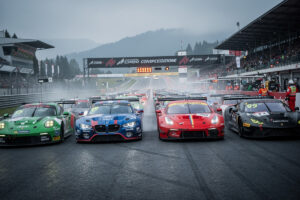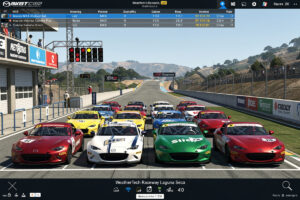
iRacing costs $13 per month (or $110 annually) and hosts over 40 official racing series across oval, road, dirt, and rallycross disciplines. On the rig I welded, running a direct-drive base and load-cell pedals, the platform’s FFB detail is what keeps the subscription active — the Safety Rating and iRating systems create structured competitive racing unmatched by any other simulator, making iRacing the gold standard for online competition since 2008.
This guide covers everything a beginner needs to start racing on iRacing — from subscription costs and account setup to your first Mazda MX-5 rookie race and the content buying strategy that saves hundreds of dollars over your first year. Every section here reflects what actually matters when you are starting out, drawn from the bases I have bolted on and the laps I have turned, not a spec sheet.
iRacing Subscription Costs and What You Get
iRacing costs $13 per month, $33 quarterly, or $110 per year. A promotional new-member rate as low as $77 for the first year is often available. Your subscription includes 32 free cars and 29 free tracks, giving you full access to rookie-level series without purchasing additional content. For a complete breakdown of year-one expenses including the D-class jump, see the iRacing cost breakdown guide.
The base subscription unlocks everything needed to complete your rookie license. You get the Mazda MX-5 Cup, Formula Vee, Street Stock (oval), and Legends cars, plus tracks like Okayama, Summit Point, Lime Rock, and Tsukuba. These alone support two full seasons of rookie racing. Beyond rookies, paid content costs $11.95 per car and $11.95-$14.95 per track, though bulk discounts of 10% (3+ items) and 15% (6+ items) significantly reduce lifetime costs.
The subscription model means you never lose access to content you own. Even if you cancel and resubscribe months later, every purchased car and track remains on your account. Compared to buying a new racing game annually at $60-70, iRacing’s ongoing cost is competitive for serious sim racers who race weekly — and across the wheelbases I have run, no other sim delivers the same depth of organized competition for the money.
Understanding the Safety Rating and iRating Systems
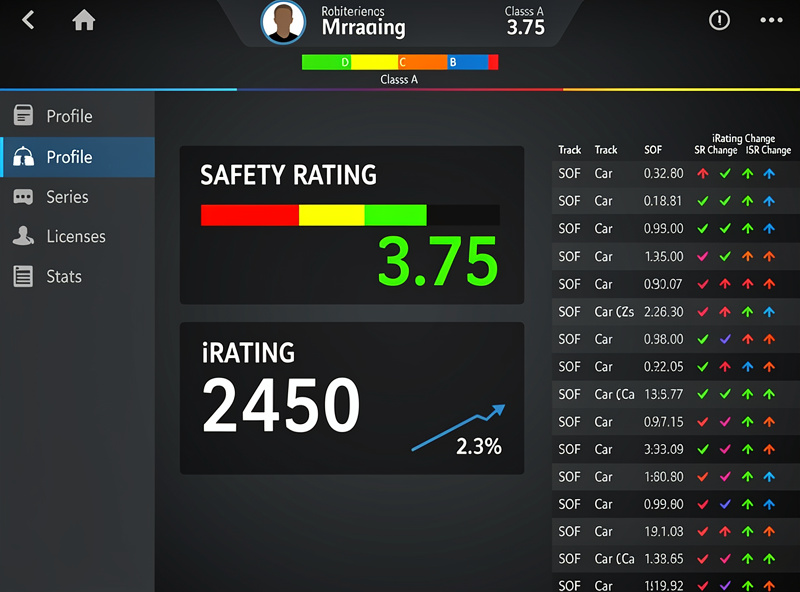
Safety Rating (SR) measures your incident rate per corner, graded on a scale from 0.00 to 4.99. Each incident point (off-track, contact, spin, or wall hit) adds roughly 0.01-0.04 SR penalty depending on your current level. Crossing 3.0 SR automatically promotes you to the next license class. For a deeper breakdown of exactly how the calculation works and strategies for raising a low SR, the iRacing safety rating explained guide covers every mechanic.
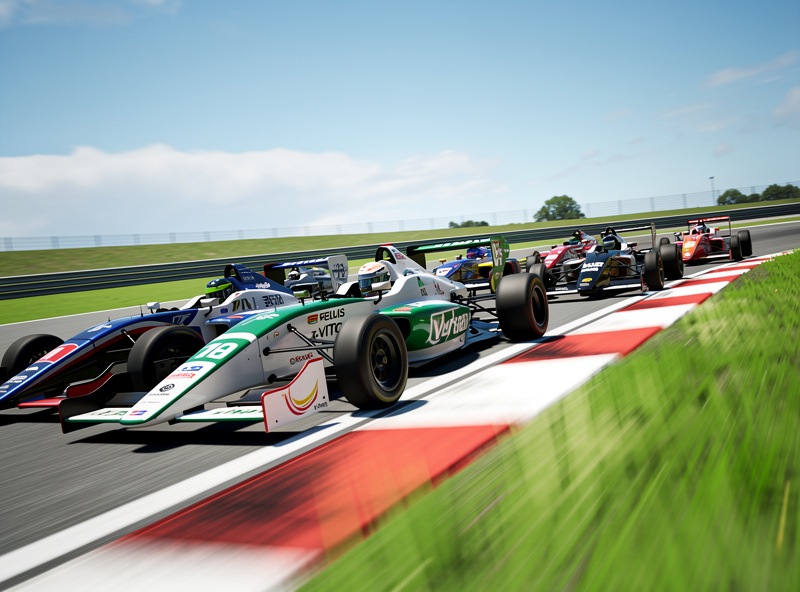
iRating is your skill-based Elo ranking that determines which splits you race in. New accounts start at 1,350 iRating. Winning races gains iRating; finishing below your expected position loses it. Top split racers typically hold 4,000+ iRating, while professional esports competitors exceed 8,000. Unlike SR, iRating fluctuates significantly — a bad week can drop you 200 points, while a hot streak adds just as much.
The key insight beginners miss: SR and iRating work independently. You can have high SR (safe but slow) or high iRating (fast but reckless). The goal is building both simultaneously. On my direct-drive base, the FFB tells me when the rear is stepping out before the incident counter does — and that early warning is what separates clean racers from crash-collectors. Focus on clean finishes in the top half of the field. Avoid the rookie trap of crashing trying to gain 3 positions in lap 1 — finishing 6th cleanly gains more iRating than crashing out while fighting for 3rd.
Best Beginner Series: Mazda MX-5 and Formula Vee
The Global Mazda MX-5 Cup is iRacing’s most popular rookie road series, running every hour with 12-15 minute races. The MX-5 teaches weight transfer, trail braking, and racecraft on free tracks. The Formula Vee is an open-wheel alternative running every 2 hours with slightly more complex aero dynamics. For the full license and series roadmap beyond rookies, see the iRacing series and progression guide.
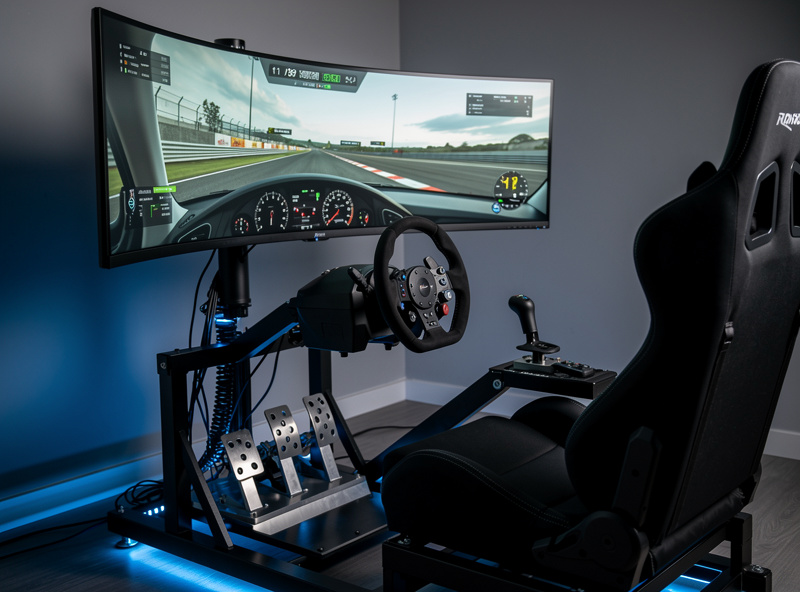
The MX-5 is the perfect learning car because it has no electronic aids — no ABS, no traction control, no stability management. Every mistake is immediately felt through the steering wheel. On a direct-drive base, the MX-5’s weight transfer lands in your hands before your eyes catch the slide — that raw feedback teaches car control fundamentals that transfer directly to GT3, prototypes, and formula cars later. The fixed setup means you race identically to every competitor, isolating driving skill as the only variable.
The Formula Vee introduces open-wheel racing concepts: lighter weight, higher cornering speeds, and more fragile bodywork requiring cleaner driving. It runs less frequently than the MX-5, making it harder to gain consistent race practice. Most experienced racers recommend starting with the MX-5 for at least 2 full seasons before exploring the Vee or advancing to D-class series like the Ferrari GT3 Challenge (fixed setup, 15-minute sprints) or the USF2000.
Content Buying Strategy: Save Hundreds in Year One
The most cost-effective approach to buying iRacing content is participating in at least 8 of 12 weeks in a series per season to earn up to $10 in iRacing Credit for that season. Combined with bulk discounts, veteran players effectively pay well under sticker price per track.
The optimal buying sequence for beginners is: first, race two full seasons on free content to earn your D-license and participation credits. Then buy content for one D-class series you enjoy. Prioritize tracks that appear across multiple series — tracks like Spa-Francorchamps, Monza, Watkins Glen, and Nurburgring GP are used in nearly every road series. Avoid niche tracks used in only one series unless that series is your primary focus. The iRacing track buying guide walks through exactly which circuits to purchase first and why.
Bulk purchasing is mandatory. Buy 6+ items at once for the 15% discount. If you need 4 tracks and 1 car for a season, add 2 more frequently-used tracks to hit the 6-item threshold. Over a typical year of racing one main series (roughly a season’s worth of tracks at $11.95-$14.95 each, plus $11.95/car), you will spend roughly $150-200 on new content. After year one, recurring costs drop significantly as you reuse previously purchased tracks. Across the seasons I have run, the participation credit system alone has saved me more than the subscription costs on the tracks I race most.
Avoiding Common Rookie Mistakes
The most damaging rookie mistake is aggressive driving in lap 1, where the majority of race-ending incidents occur. Starting from the back of the grid and letting the field sort itself out for 2-3 laps before racing is a proven strategy for gaining SR and iRating in rookies. I felt this firsthand on a load-cell brake — the pedal travel curve rewards smooth inputs, and lap-1 chaos punishes them harder than any other moment in the race. For a full breakdown of the driving skills that matter from race one, the sim racing racecraft for beginners guide covers every fundamental.
Other frequent errors include: driving the racing line without checking mirrors (blocking is a protestable offense), rejoining the track unsafely after an off (stop and wait for a gap), and qualifying poorly then fighting desperately to recover positions. Each of these creates multi-car incidents that tank your SR and cost everyone iRating.
Equipment mistakes matter too. Setting your field of view correctly is the single biggest performance improvement for beginners — use the sim racing FOV calculator to get the math right. Most new racers use the default chase cam — switch to cockpit view and calculate your proper FOV based on monitor size and viewing distance. A too-wide FOV makes corners appear further away, causing late braking. On my triple-monitor rig, the difference between a calculated FOV and the default setting was nearly half a second per lap. Additionally, map a button to look left/right for spatial awareness, and use the spotter audio (crewChief app is free and excellent) to know when cars are alongside.
Your First Race Preparation Checklist
Spend at least 30 minutes practicing a track before entering a race session. Aim for 10 consecutive clean laps within 2 seconds of the top split pace before registering. Joining a race without practice guarantees a poor experience for you and everyone on track. A wired internet connection matters too — the internet setup for sim racing guide explains why Wi-Fi has no place in a competitive sim rig.
Pre-race checklist: (1) Calculate your FOV in Options > Graphics > Monitor. (2) Run 15+ practice laps on the week’s track. (3) Watch a track guide on YouTube for racing line and braking markers. (4) Qualify — even a slow qualifying lap puts you ahead of those who skip it. (5) Grid position: if you qualified last, start from the pits to avoid turn 1 chaos. (6) Race clean: prioritize finishing over overtaking. (7) After the race, review the replay — note what caused any incidents and learn from them.
The mental preparation matters as much as the technical. Accept that your first 10 races will be rough. You will crash, get crashed into, and finish poorly. Every iRacing veteran went through this phase. The difference between those who quit and those who become competitive is the willingness to analyze mistakes, practice deliberately, and race respectfully. The rig I welded has survived hundreds of rookie-race shunts vicariously through the FFB — frustration is part of the process, and it builds the consistency that separates the regulars from the quitters. Join the iRacing forums or a Discord community — experienced racers are overwhelmingly helpful to newcomers who show genuine effort to improve. When you are ready to step up from solo official races into a real community, our guide on how to join an iRacing league walks you through the whole process.
Frequently Asked Questions
How much does iRacing cost per month?
iRacing costs $13 per month, $33 per quarter, or $110 per year. A promotional new-member rate as low as $77 for the first year is frequently available. The subscription includes 32 free cars and 29 free tracks.
Can you play iRacing for free?
No, iRacing requires a paid subscription. However, the included free content supports full rookie series seasons without buying additional cars or tracks, so your first year of racing costs only the subscription fee.
What is a good iRating for beginners?
New accounts start at 1,350 iRating. Maintaining or gaining iRating in your first few months is a positive sign. Reaching 2,000 iRating typically takes 6-12 months of consistent racing and represents solid intermediate pace.
How long does it take to get out of rookies?
Most drivers earn their D-class license within 5-10 races by maintaining a Safety Rating above 3.0. Focus on finishing races cleanly rather than winning, as Safety Rating measures incidents per corner, not finishing position.
Is iRacing worth it for casual racers?
iRacing is most rewarding for racers who compete at least weekly. Casual players may prefer Assetto Corsa or Gran Turismo 7, which offer strong racing without monthly fees. iRacing’s value peaks for dedicated competitive online racing.
What do you need to run iRacing?
iRacing runs on Windows PCs with a 4-core CPU, 16GB RAM, and a gaming GPU with at least 4GB of dedicated video memory minimum. A force feedback wheel is strongly recommended, though controller support exists. Most racers use a wheel, pedals, and either a desk mount or dedicated cockpit.
Related Articles
- iRacing Series and Progression Guide — the complete license and series system explained
- Best Sim Racing Wheels 2026
- How to Plan Your First Sim Racing Setup
- Best Sim Racing Pedals 2026
- Sim Racing Software Explained
- Budget Sim Racing Setup Under $500