A wheel that runs fine for ten minutes and then drops out is one of the most maddening faults in sim racing, and it is almost never random. On my rig the confirmed causes have been USB power management, a shared USB controller, a power supply sagging under the current spikes a direct-drive base pulls, and a fatigued cable or quick-release. The test that finds the cause fast is simple: move the base to a dedicated motherboard USB port, switch off USB selective-suspend for that hub, and watch whether the dropouts stop. If they do, the fault was the port or the power; if they do not, the search climbs to the quick-release, the cable, or the base itself.
What makes disconnects feel unsolvable is that the wheel works perfectly right up until it does not, so you cannot reproduce the fault on demand and you start doubting the hardware. I spent weeks on a dropout that turned out to be a shared USB root controller fighting with a webcam. Once you know the patterns, the cause is usually obvious inside an evening. This spoke owns the mid-session dropout specifically; if your wheel was never detected in the first place, that is a different fault, and the full map of every wheel and pedal fault lives on the troubleshooting hub.
Why Wheels Drop Out Under Load
The key insight is that a direct-drive base is not a passive USB device like a keyboard. It pulls hard on both the data line and the power rail, polling the host at up to 1000 Hz and yanking current in sharp spikes every time force feedback loads up. A USB subsystem that copes fine with a mouse can choke on that sustained demand, and when it does the device resets and the sim loses the wheel for a second or two. The dropout is the host recovering, not the base dying.
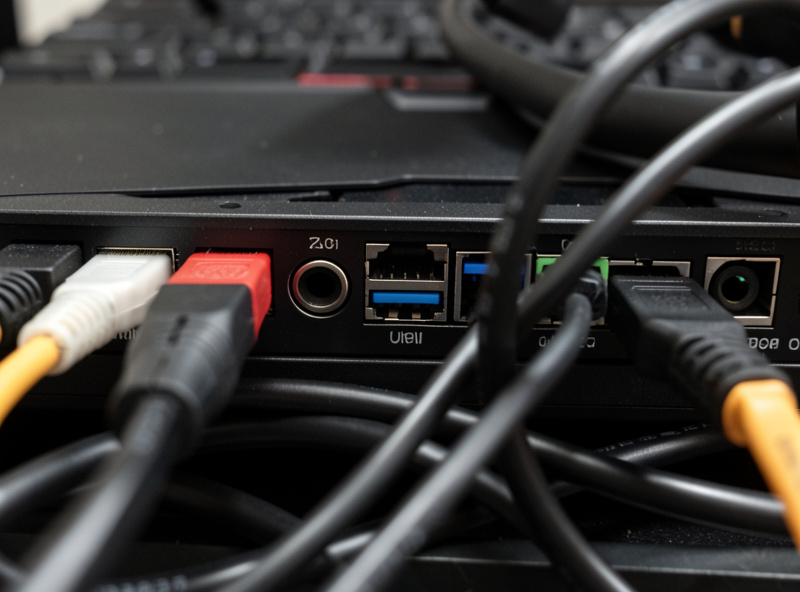
Three things compound this. First, anything else on the same USB root controller, a webcam, a USB microphone, the pedal controller, another wheel, shares that controller’s bandwidth and interrupt budget. Second, front-panel USB ports and hubs route through an internal header and a hub chip, adding latency and a shared power rail that sags under load. Third, Windows power management is allowed to suspend a USB port it considers idle, and a momentary lull in steering input is sometimes enough to trigger it. Fix those three and most dropouts vanish.
Kill USB Selective-Suspend
USB selective-suspend is the single most common cause of mid-session dropouts I see, and the reason it is so hated is that Windows re-enables it silently after updates and power-plan changes. To disable it properly, open Device Manager, expand Universal Serial Bus controllers, right-click every USB Root Hub and Generic Hub, open Power Management, and uncheck “Allow the computer to turn off this device to save power.” Then open Control Panel, Power Options, Change plan settings, Change advanced power settings, and set USB settings, USB selective suspend setting to Disabled for both plugged-in and on battery.
Do both steps. Disabling the setting in Power Options alone sometimes leaves the per-device checkbox in Device Manager still active, and people who only do one of the two report the dropouts returning. Because Windows updates love to flip these back, treat selective-suspend as the first thing to re-check whenever a dropout reappears after working fine for months, not the last. It is a thirty-second check and it clears a remarkable share of faults on its own.
The Dedicated-Port Rule
Once selective-suspend is off, the next lever is which port the base lives on. The rule on my rig is absolute: the wheelbase gets a dedicated port on the motherboard backplane, and nothing else shares the root controller it sits on. I avoid front-panel headers, monitor USB ports, and any external hub for the base itself. The pedals, if they connect over USB rather than through the base, get their own port on a different root controller so they are not competing with the base for interrupt time.
Figuring out which physical ports share a controller is worth ten minutes. A free tool like USBTreeView shows the tree of root controllers and which devices hang off each one, so you can place the base on a controller by itself. On the rig I had the chronic dropout on, USBTreeView revealed the base, the webcam, and a USB microphone were all on the same Intel root hub; moving the base to a controller provided by a different chipset ended the dropouts that night. You do not always need new hardware, you need to stop making the base share.
Power Supply Sag Under Force-Feedback Spikes
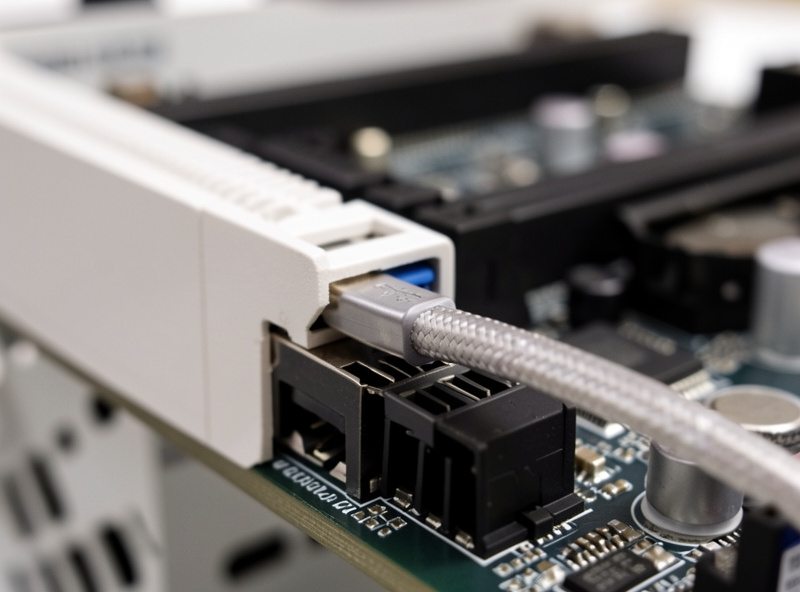
Direct-drive bases pull their highest current in short, violent spikes when force feedback loads up against a kerb or a snap of oversteer. If the power supply, the base’s own brick or the wall circuit, cannot deliver that transient current, the voltage sags and the base’s protection circuit can cut torque or reset the device. The symptom is a dropout or a brief FFB drop that lines up with the hardest moments on track, which is the tell that separates a power problem from a USB problem.
The fixes run from cheap to sensible. Make sure the base’s power brick is the correct spec for that base and not a generic substitute of lower rating. Plug the brick directly into the wall or a quality power strip, not daisy-chained with other high-draw gear. And the real fix on my rig: every base and the sim PC run through a UPS. A UPS does not just protect against outages, it smooths the brownouts and sags that corrupt firmware updates and trigger base resets. After I lost a base’s firmware to a brownout mid-update, the UPS stopped being optional.
Cable and Quick-Release Fatigue
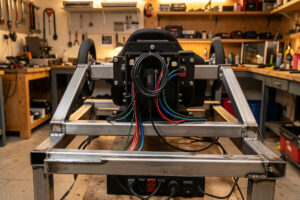
The mechanical causes of dropouts are quieter but common on rigs that get used hard. A USB cable strained at the connector, pulled taut by a moving wheel or chafed against the frame, develops an intermittent internal break that reads exactly like a software dropout. Route every cable with a service loop, a little slack, so the connector takes no strain, and replace any cable that is kinked, crushed, or stiff at the bend. The coiled cable between the rim and the base, or the QR pigtail, is a frequent offender on quick-release systems.
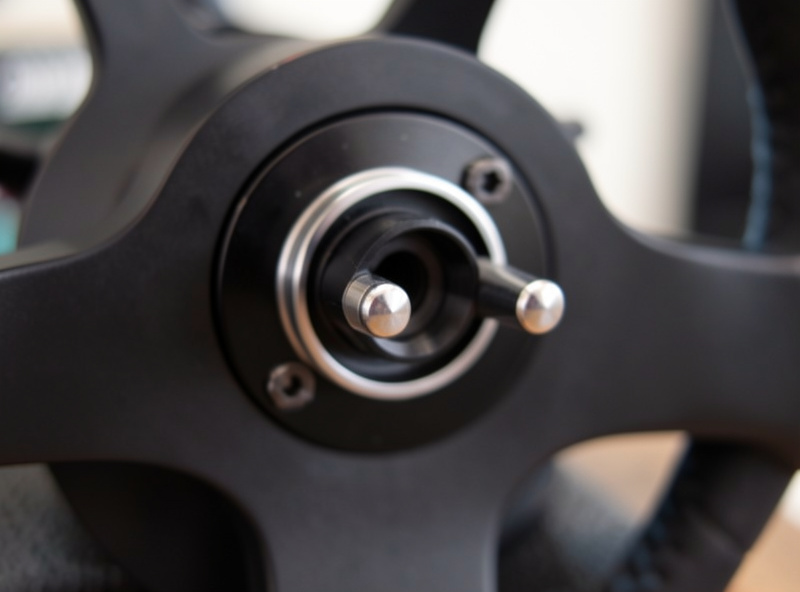
The quick-release itself is the other mechanical suspect. A QR that is worn, loose, or not fully locked makes intermittent contact through its pins, and the base can drop the rim mid-corner. Pull the rim, inspect the pins on both halves for bending or oxidation, and reseat until it locks positively. I keep a QR that would only hold a connection when the rim was torqued slightly off-center; replacing the worn half cured dropouts I had blamed on USB for a month.
A Disconnect-Cause Comparison Table
This is the fault map I use when a dropout will not behave. Match the symptom pattern to the cause and apply the fix before escalating to new hardware.
| Cause | Tell-tale symptom | Fix |
|---|---|---|
| USB selective-suspend | Dropout after a lull in steering, returns after updates | Disable in Power Options and Device Manager |
| Shared USB controller | Dropouts when webcam or mic is active | Move base to a dedicated root controller |
| Front panel or hub port | Random resets, worse under FFB load | Relocate to a motherboard backplane port |
| Power supply sag | Dropout or FFB loss on the hardest kerbs | Correct-spec brick, wall socket, add a UPS |
| Strained or fatigued cable | Dropout when wheel moves through a range | Service-loop the cable, replace if kinked |
| Worn quick-release | Dropout mid-corner, rim feels loose | Inspect pins, replace the worn QR half |
When It Really Is the Base
If every layer above is clean and the dropouts persist, the fault climbs inside the base itself. The two genuine base-side causes I have seen are a power supply inside the base failing after a surge, the same fault that killed a base of mine and prompted the UPS, and thermal protection cutting in when the base overheats during a long high-torque session. Thermal dropouts have a signature: they appear late in a stint, recover after a cool-down, and get worse as a session drags on. Give the base ventilation, do not enclose it, and if it is shutting down thermally on a rig that is properly ventilated, the base needs service, not more tuning.
Frequently Asked Questions
Why does my sim wheel keep disconnecting?
It is almost never random. The usual causes are USB selective-suspend, a shared USB controller, a front-panel or hub port, a power supply sagging under FFB spikes, or a fatigued cable or quick-release. Move the base to a dedicated motherboard port and disable selective-suspend first.
How do I stop USB selective suspend on my wheel?
Disable it in two places. In Control Panel Power Options advanced settings, set USB selective suspend to Disabled. Then in Device Manager, uncheck the allow-the-computer-to-turn-off box on every USB Root Hub. Windows updates re-enable it, so re-check it when dropouts return.
Why does my direct-drive wheel disconnect during force feedback?
Direct-drive bases pull sharp current spikes during heavy FFB moments. If the power brick or the wall circuit sags, the base can reset. Use the correct-spec brick, plug it into the wall directly, and run the base through a UPS to smooth brownouts that trigger resets.
Can a USB hub cause wheel disconnects?
Yes. Hubs, front-panel ports, and monitor USB share a controller and a power rail, and they drop sustained high-polling connections under load. Put a direct-drive base on a dedicated motherboard backplane port instead, with nothing else sharing that root controller.
Why does my wheel disconnect after a few minutes?
A dropout that happens on a timer is usually USB selective-suspend kicking in after an idle period, or a shared controller resetting. Less commonly it is a thermal protection trip inside an overheating base, which recovers after a cool-down and gets worse over a long session.
Is my wheel disconnecting because of a bad cable?
It can be. A USB cable strained at the connector or chafed against the frame develops an intermittent internal break that mimics a software dropout. Route cables with a service loop so the connector takes no strain, and swap in a known-good cable to confirm before replacing hardware.