Some sim racing wheels don’t work on Xbox because Microsoft requires every wheel to carry an official licensing chip that the console checks before it will send or accept any signal. No chip, no handshake — the base stays dark. This is why a wheel that runs perfectly on PS5 or PC can plug into an Xbox Series X and do absolutely nothing.
I found this out the expensive way. I brought a base I love on PC to a friend’s place for a Forza night, plugged it into his Xbox, and got nothing — no force feedback, no inputs, no lights beyond standby. The base wasn’t broken. It just wasn’t licensed for Xbox, and the console’s security refused to talk to it. If you’re shopping for an Xbox wheel, understanding this handshake is the difference between a working rig and a costly return.
Here’s exactly how the licensing works, why Xbox is stricter than PlayStation, and how to make sure the wheel you’re eyeing will actually turn on before you spend a cent.
Why Does Xbox Block Unlicensed Wheels?
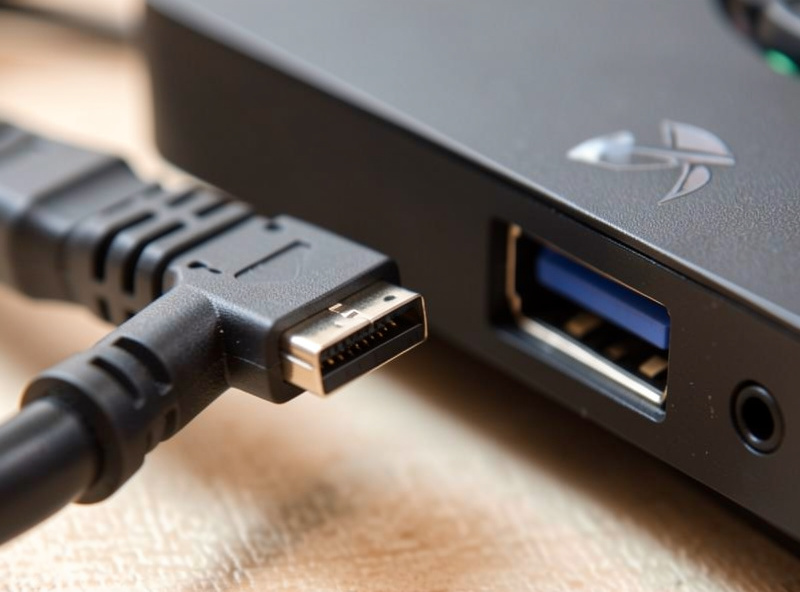
Xbox blocks unlicensed peripherals through a hardware security chip that must authenticate with the console at connection. Microsoft has run this authentication requirement across Xbox generations, and it applies to controllers and wheels alike. The console sends a challenge, the peripheral’s chip answers with a valid response, and only then does the Xbox enable the device. An unlicensed base has no valid answer, so it’s locked out.
The reasoning from Microsoft’s side is control over the accessory ecosystem — security, compatibility, and licensing revenue all roll into it. Whatever you think of the policy, the practical effect for you is simple: on Xbox, the licence is a gate, not a nice-to-have. This is fundamentally different from a wheel simply lacking a driver; you can’t sideload your way past a hardware authentication chip.
It’s the same reason a knock-off Xbox controller often stops working after a system update — the authentication tightened. Wheels live under that same umbrella. When you see a base advertised as “Xbox licensed,” that chip and Microsoft’s certification are precisely what you’re paying the small premium for.
Why Do Wheels Work on PS5 but Not Xbox?
PlayStation’s peripheral authentication is far more permissive than Xbox’s, so a wider range of wheels pass the PS5 handshake while failing on Xbox. Both consoles verify peripherals, but Xbox’s implementation is stricter and its licensing programme narrower, which shrinks the list of Xbox-compatible wheels compared with PS5. That’s the whole reason PS5 owners have more choice.
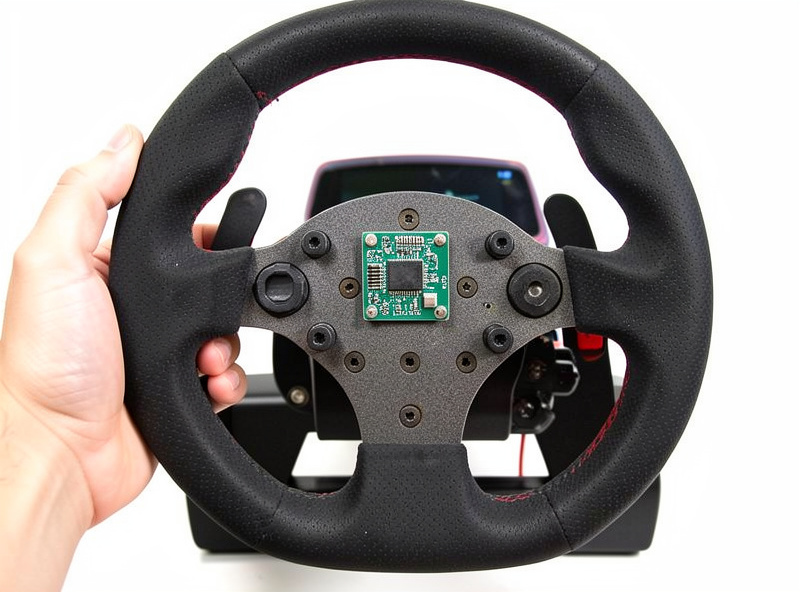
I keep a mid-torque direct-drive base as my daily, and I’ve plugged it into both consoles. On PS5 it authenticated and ran; on Xbox it needed a specifically Xbox-licensed steering wheel attached to the same base before the console would enable it. That last detail catches people out: with some ecosystems, the licence lives in the rim, not the base, so the exact combination of base and wheel matters. Buy the base alone and you can still be locked out.
If you’re weighing platforms, this licensing gap is a real factor. PS5 buyers can shop the fuller field of PS5-compatible wheels, while Xbox buyers work from a shorter, licence-checked list. It’s one of the quieter trade-offs baked into a console sim racing setup, and it’s worth knowing before you commit to a console.
How Do I Know If a Wheel Is Xbox Licensed?
Look for the words “Officially Licensed for Xbox” on the product page and confirm which specific base-and-rim combination carries the licence. Manufacturers state it plainly because the licence is a selling point, but the detail that trips people up is that the licence often applies to a bundle, not the base in isolation. Read the compatibility fine print, not just the headline.
My rule before buying any Xbox base is to check three things. First, the manufacturer’s own compatibility page — Fanatec and the other licensed brands publish exactly which products are Xbox-certified. Second, whether the licence requires a particular Xbox-licensed rim to be attached. Third, whether recent firmware kept it working, since authentication behaviour can shift with console updates. Skip any of those and you risk a base that lights up but won’t drive.
If a listing is vague, coy, or only mentions “PC and PlayStation,” treat that as a no for Xbox. Genuinely Xbox-licensed gear says so loudly. When a wheel that should work still isn’t detected, that’s usually a connection or firmware issue rather than licensing — I walk through those steps in my guide to a sim wheel not being detected, but licensing is the first thing to rule out on Xbox specifically. If you’d rather skip the research and just see which bases already clear the bar, I keep an updated Xbox Series X wheel shortlist of Xbox-certified picks.
Which Brands Are Xbox Licensed?
Fanatec is the long-standing Xbox-licensed direct-drive name, with Logitech also carrying Xbox certification on its wheels, and Moza offering Xbox support through licensed hardware. Thrustmaster has Xbox-licensed wheels too. The key is that within each brand, only specific products hold the Xbox licence — a brand being “Xbox-friendly” doesn’t mean every base it sells will authenticate.
On my own bench, the Fanatec ecosystem has been the most reliable Xbox story because the licensing is well documented and the base-plus-Xbox-rim requirement is spelled out. Moza’s Xbox path runs through specific licensed hardware rather than every base working out of the box, so read their compatibility notes closely before you buy. The direct-drive feel across these brands is excellent; the constraint is purely the licence, not the hardware quality — the underlying direct-drive force feedback is the same clean signal whether you’re on Xbox or PC.
Because product lines and licences change, I never trust a forum post from two years ago. I verify against the manufacturer’s current page every time, and I’d urge you to do the same — an Xbox licence that existed for a previous model doesn’t automatically carry to the new one.
Can I Get Around Xbox Licensing?
No — there’s no legitimate way to bypass Xbox’s hardware authentication, and the workarounds people mention are unreliable or unsafe. The chip does a genuine cryptographic handshake; you can’t spoof it with a driver, an adapter is a gamble, and third-party converters that claim to bridge an unlicensed wheel to Xbox tend to break with firmware updates or introduce input lag that ruins the feel.
I’ve seen people chase adapter boxes to force a beloved PC base onto an Xbox, and the results are consistently disappointing — added latency, dropped inputs, or a device that works until the next system update kills it. For sim racing, where every millisecond of latency in the chain degrades the feedback, deliberately inserting an unofficial converter is exactly the wrong move. The whole point of a good rig is a clean, low-latency signal path.
My honest advice: if you’re committed to Xbox, buy Xbox-licensed hardware from the start. The small licensing premium buys you a base that simply works, updates that don’t brick it, and none of the converter headaches. It’s cheaper than buying an unlicensed base and then a converter and then a licensed base anyway when the workaround fails.
As an Amazon Associate I earn from qualifying purchases.
When you’re ready to buy Xbox-licensed hardware, start from the manufacturer compatibility pages, then browse Xbox-licensed sim racing wheels and confirm the exact base-and-rim licence before checkout.
Why does my sim racing wheel not work on Xbox?
Because Xbox requires an official licensing chip in the peripheral, and your wheel likely does not carry the Xbox licence. The console runs a hardware authentication handshake at connection, and an unlicensed base fails it, so the wheel stays dark. This is different from a missing driver and cannot be fixed in software.
Why do some wheels work on PS5 but not Xbox?
PlayStation authentication is more permissive than Xbox, so more wheels pass the PS5 handshake. Xbox uses a stricter security chip and a narrower licensing programme, which shrinks the list of compatible wheels. In some ecosystems the Xbox licence lives in the rim, so the exact base and wheel combination matters.
How can I tell if a wheel is Xbox licensed before buying?
Look for Officially Licensed for Xbox on the product page and check the manufacturer compatibility list. Confirm whether the licence applies to the base alone or requires a specific Xbox-licensed rim. If a listing only mentions PC and PlayStation, treat it as not Xbox compatible.
Can I use an adapter to run an unlicensed wheel on Xbox?
There is no reliable legitimate way to bypass Xbox authentication. Third-party converters that claim to bridge an unlicensed wheel often add input lag, drop inputs, or stop working after firmware updates. For sim racing, that added latency degrades the feel, so buying Xbox-licensed hardware from the start is the better choice.
Which brands make Xbox-licensed sim racing wheels?
Fanatec is the established Xbox-licensed direct-drive brand, with Logitech, Thrustmaster, and Moza also offering Xbox-certified hardware. Within each brand only specific products hold the licence, so always verify the exact model on the manufacturer current compatibility page before buying.
Further Reading
- Console Sim Racing Setup: The Complete PS5 and Xbox Guide
- Best Sim Racing Wheels for PS5 in 2026
- Sim Wheel Not Detected in Game: How to Fix It
- Direct Drive vs Belt Drive Force Feedback: How They Feel
For authoritative details, Microsoft documents its accessory certification through the Xbox hardware pages, and licensed manufacturers such as Fanatec publish per-product Xbox compatibility lists — always the current source of truth before you buy.