Moza Pit House is the control app for every Moza base, from the R5 up to the R12 and beyond, and setup comes down to four things: set your FFB strength and steering angle, keep the filters (road sensitivity, smoothing, damping) light, save per-title profiles, and leave firmware alone unless the app asks. Do that and an R9 or R12 delivers honest force in every car without you living in the menus. It’s a genuinely clean app once you know which sliders earn their keep.
I’ve run Moza bases alongside my daily direct-drive as part of a rotation for long enough to trust Pit House, and its layout is friendlier than the abbreviation soup on some rivals. But the same trap applies: the defaults lean toward “impressive in the driveway,” which usually means too much strength and too much damping. This guide is how I actually set a Moza base up for faithful FFB rather than showroom weight.
Pit House Is a Profile Manager, Not the Force Engine
The mental model that saves the most time: Pit House sets the base’s ceiling and character, the sim generates the actual cornering forces. Set FFB strength, steering angle, and the filters once per base, then do your per-car scaling with the in-game FFB gain. If you change Pit House settings and in-game settings between sessions, you’ll never know which one changed the feel — the cardinal FFB-tuning mistake, and one I explain across all three vendor apps in the wheelbase software hub.
Pit House does hold one advantage worth using: per-title profiles it can associate with games, so your GT feel and your rally feel don’t fight over one slider set. Build a small library and the base loads the right character per title. That’s the payoff for keeping the app installed, exactly as auto-profiles are the payoff on Fanatec’s side.
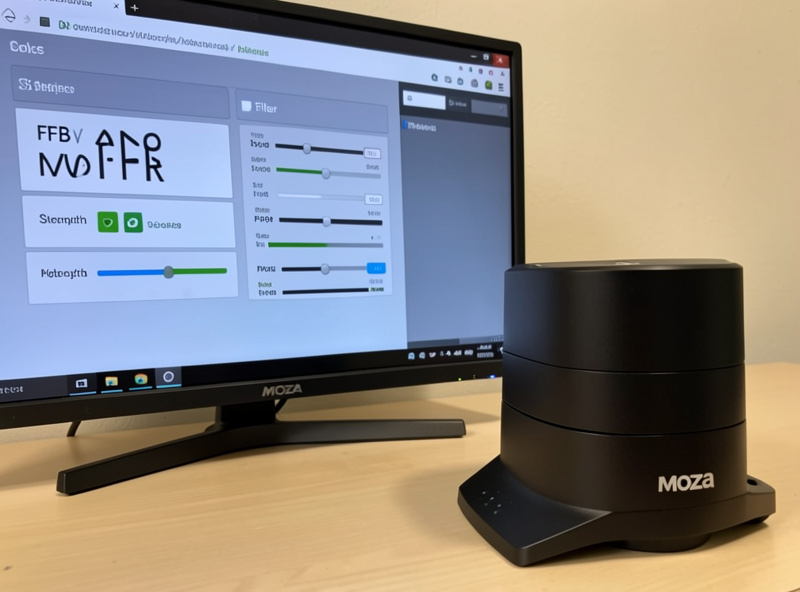
The Pit House Settings That Matter
Pit House exposes a long list, but the ones you’ll actually revisit are few. FFB Strength is the master. Max Wheel Angle sets steering rotation (I match it to each car or leave the sim in charge). Road Sensitivity controls how much fine texture comes through. FFB Smoothing (the filter) rounds off the signal. Then the feel filters — Natural Inertia, Wheel Damping, Wheel Friction, Wheel Spring — plus safety features like Hands-Off Protection and the Soft Limit. The rest you set once.
Here’s how I treat the sliders I come back to, and the starting points I dial before driving. As always, these are a floor to tune from on telemetry, not fixed numbers — the right value depends on the base’s torque and your own arms.
| Pit House setting | What it does | My starting point |
|---|---|---|
| FFB Strength | Master force ceiling | A level I can hold a full stint, not max |
| Max Wheel Angle | Steering rotation / lock | Per-car or sim-controlled |
| Road Sensitivity | Fine texture detail | Moderate |
| FFB Smoothing | Signal filtering | Low on a DD base |
| Natural Inertia | Simulated wheel mass | Low |
| Wheel Damping / Friction | Added weight / stiction | Low |
| Hands-Off Protection | Safety cut when released | On |
The two that get abused are FFB Smoothing and Wheel Damping. High smoothing turns a crisp base mushy; heavy damping deadens the road you paid for. I keep both low and let the sim’s detail come through, adding weight only where a specific car feels nervous. The filters themselves — and why the vendor damper stacks on top of the sim’s own — get the full treatment in vendor FFB filters explained.
Building Per-Title Profiles From Telemetry
A Pit House profile is a saved slider set you can tie to a game. The workflow that actually works is to build each one against an FFB clipping meter rather than by feel: drive the highest-load corner in a reference car, watch the meter, and set FFB Strength so it kisses the ceiling without flat-topping. Name it by car class, save it, and repeat. Over a few weeks that library becomes the real value of the software.
My working set stays small — a GT profile, a formula profile, and a loose-surface profile — because more than a handful and you stop remembering what each one does. The full per-car method sits in per-car FFB profiles in vendor software, and the in-sim side of the tuning lives in the force feedback tuning guide. If you’re weighing a Moza base against the alternatives before you buy, the CSL DD vs Moza R5 comparison covers the hardware side.
One steering-angle trap catches new Moza owners: if the wheel turns far more or less than the on-screen car, the fault is a mismatch between Pit House’s Max Wheel Angle and the sim’s rotation setting. The clean fix is to set Max Wheel Angle wide (or on a per-car mode) in Pit House and let each sim own the true lock, so the software isn’t clamping rotation the game expects. Getting that alignment right once removes the “my hands and the car are out of sync” feeling that people wrongly blame on FFB. It’s a settings mismatch, not a base fault — and it’s the kind of thing Pit House makes easy to fix once you know where to look.
Response Modes and the FFB Equalizer
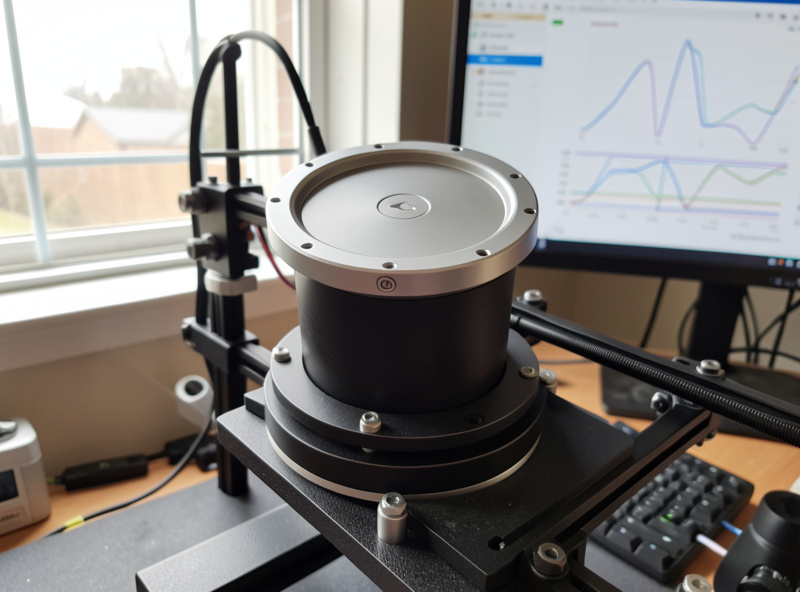
Two Pit House features go beyond the basic sliders and are worth understanding once. Moza bases expose motor response or performance settings that trade raw responsiveness against smoothness — a snappier response feels more alive but can excite oscillation on a base that’s over-strengthened, while a softer response tames a nervous wheel at the cost of a little immediacy. I leave this near the default and fix oscillation by lowering strength first, because chasing it through response modes usually just hides a strength problem.
The FFB equalizer is the genuinely advanced tool: it lets you boost or cut specific frequency bands of the force signal, so you can lift road texture without raising overall strength, or tame a harsh resonance without deadening everything. It’s powerful and easy to overuse. My approach is to leave it flat until I can point to a specific complaint — “this base masks small kerbs” or “there’s a buzzy frequency I dislike” — and then make one narrow adjustment, not a wholesale reshape. For most drivers the equalizer is a solution looking for a problem; get strength, filters, and per-car gain right first, and you may never touch it. If you do, treat it like the base EQ on any system: small moves, one at a time, always A/B tested against flat.
Safety Features and Firmware
Pit House includes a couple of settings that aren’t about feel but you should get right. Hands-Off Protection cuts or reduces force when you let go — leave it on, because a high-torque base can genuinely hurt a wrist if it snaps to lock unattended. The Soft Limit adds a firm cushion near maximum rotation so you feel the end of travel instead of hitting a hard mechanical stop. These are the settings I check first on any base that’ll ever run above single-digit Nm, and it’s part of why torque tier and rig rigidity matter, covered in whether high-torque direct drive is worth it.
Firmware updates live in Pit House too, and this is the one operation that deserves care: keep the app and base firmware on matching versions, plug into a solid USB port, and never interrupt a flash. The safe end-to-end procedure is in how to update sim wheelbase firmware safely. Everything else in Pit House is reversible in seconds; only the flash isn’t.
Frequently Asked Questions
What FFB strength should I use in Moza Pit House?
Set it to a level you can hold for a full stint, then tune per car with in-game gain against an FFB clipping meter. Maxing FFB Strength in Pit House guarantees clipping and hides detail, so it is a floor to scale down from, not a target.
Should FFB Smoothing be high or low on a Moza base?
Low. FFB Smoothing filters the signal, and high values turn a crisp direct-drive base mushy, rounding off kerb and road texture. I keep it low and let the sim’s detail come through, adding smoothing only if a specific title feels notchy.
Do Moza per-title profiles switch automatically?
Pit House lets you tie profiles to games and load the matching character per title. Keep the app running so it can apply the right profile, and build each profile from telemetry rather than by feel for the best result.
What does Hands-Off Protection do, and should I leave it on?
It reduces or cuts force when you release the wheel, which matters because a high-torque base can snap to lock and hurt a wrist unattended. Leave it on for any base running meaningful torque.
Does Pit House need to run while I race?
The settings are stored on the base, so for manual profiles you can close it. Keep it open only if you rely on per-title profile switching or want to watch base temperature and connection status during a session.