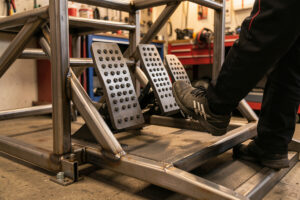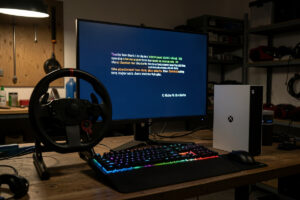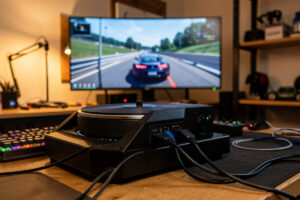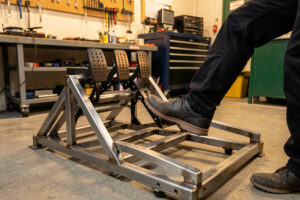
Recalibrating sim racing pedals means capturing a true minimum and maximum for every axis, the pedals untouched at rest for the minimum, then pressed through full travel for the maximum, so the sim sees the whole usable range. Do it from cold in the manufacturer app or Windows Game Controllers, set the load-cell brake zero first, then full travel on each pedal in turn, and only add a deadzone if the calibration will not hold between sessions. Done right, it cures most brake-spiking and throttle-drift faults without a single new part.
People reach for “my pedals are broken” far too quickly, when what they actually have is a calibration that captured a wrong zero or a clipped maximum. On my load-cell daily set, with a hydraulic set on the bench for comparison, I recalibrate the moment any axis behaves oddly, and that single habit resolves the fault more often than not. This spoke is the calibration routine itself; if your symptom is a brake that jumps straight to full or a throttle that creeps upward, the deeper fault-tree is in Pedal Input Spikes and Drift, and the full wheel-and-pedal map lives on the troubleshooting hub.
What Calibration Actually Does
A pedal axis is read as a number between a minimum and a maximum. Calibration tells the system, and the sim, what raw numbers correspond to “foot off” and “foot flat to the floor.” When those endpoints are correct, the sim maps your foot position smoothly across the full range. When they drift, the minimum creeps up so a resting pedal reads as partially pressed, or the maximum drops so you hit 100% before the pedal bottoms out. Both read as a fault, and both are calibration, not hardware.
Calibration drifts for a handful of boring reasons. A potentiometer track oxidises over time and shifts its resting value. A load cell’s output changes as it ages or as temperature shifts. A software update resets the stored endpoints to defaults. And the single most common cause on a rig that gets used hard is that the calibration was captured with a foot resting lightly on a pedal, which bakes a false minimum into the system. The fix for all of them is the same cold recalibration.
The Cold-Recalibration Routine
This is the routine I run on my pedal set whenever an axis misbehaves, and it works whether you use the manufacturer app or the Windows Game Controllers route. The discipline that matters most is “from cold,” meaning your feet are completely off the pedals when the minimum is captured.
- Clear the old calibration. In the manufacturer app, reset the axis to defaults or clear the stored min/max so you start from a neutral state, not a corrupted one.
- Feet off, capture the minimum. With nothing touching any pedal, set the zero point for every axis. This is the step people get wrong by leaving a foot resting on the pedal.
- Full travel, capture the maximum. Press each pedal slowly and fully to its mechanical stop, one at a time, and set the maximum for each axis.
- Confirm the range. Watch the raw input bar move cleanly from 0 at rest to 100 at full travel with no jumps and no resting offset.
- Save and re-check in the sim. Save the profile, then open the sim’s pedal calibration and confirm the bars match end to end.
That last step matters because a calibration saved in the manufacturer app and a calibration stored in the sim are two different things on some setups, and you want both to agree. If the app shows a clean range but the sim shows a resting offset, the sim is holding its own stale calibration and needs the same cold capture run through its own calibration screen.
Load-Cell Brake, the Axis That Drifts Most
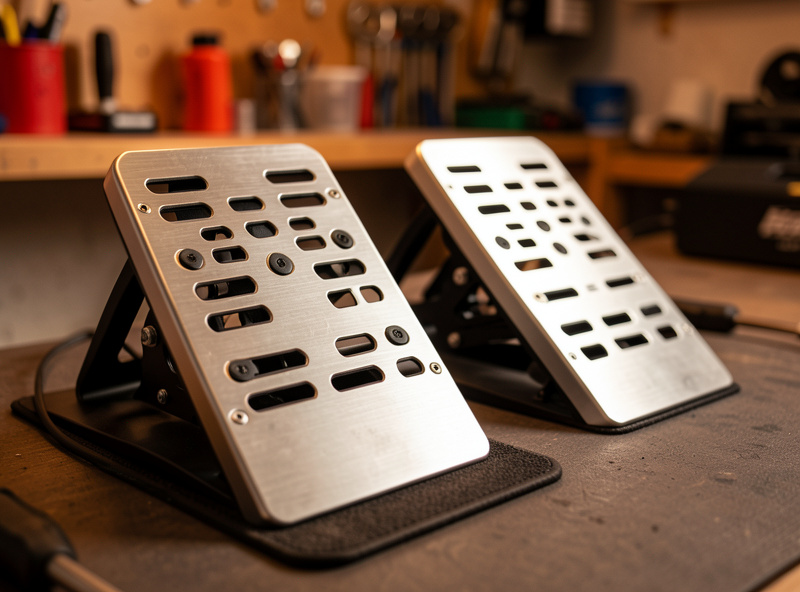
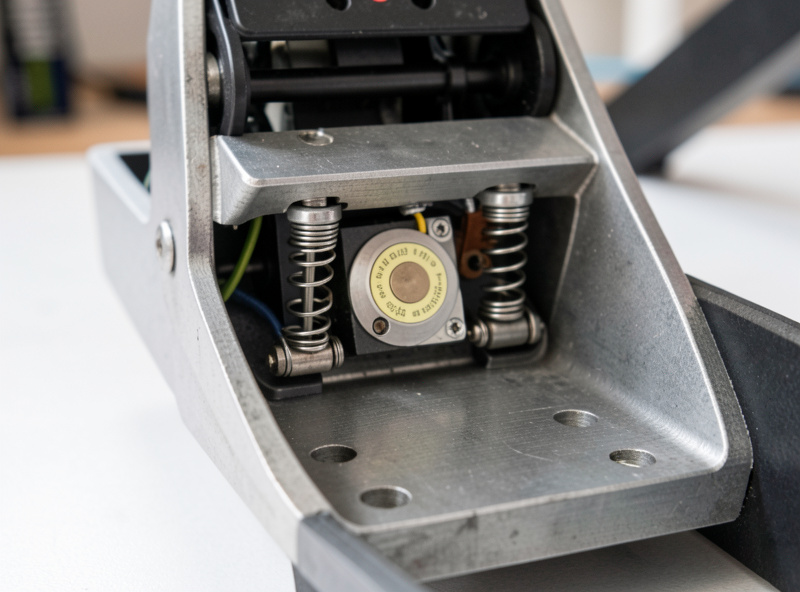
The brake is the axis that gives people the most grief, and on a load-cell set it deserves its own attention because it measures force rather than travel. A load cell outputs a tiny signal proportional to how hard you press, and that signal has a zero point that can drift with age, temperature, and even how tightly the cell is mounted. When the zero drifts upward, the brake reads as partially applied at rest, and the instant you touch the pedal it jumps toward full. That is a calibration problem dressed up as a broken sensor. The first time my brake started spiking mid-stint I was sure the cell was cooked and started reading return-policy fine print, then noticed I had been resting my heel on the pedal plate during the zero capture. A genuine feet-off recalibration cleared it in thirty seconds.
The load-cell recalibration is the same cold routine with one addition: after capturing the zero with your foot off, you set the full-force maximum by pressing to your hardest comfortable brake pressure, not necessarily the mechanical stop, because a load-cell brake maxes on force not travel. Many apps also let you shape the brake curve, how input maps to braking force across the travel, which is a tuning choice rather than a fault fix. I keep my brake curve with a stiffening ramp near the top so trail-braking is progressive, but that is preference, not diagnosis. Get the zero and max right first, then shape the curve.
Setting Min and Max in Windows Game Controllers
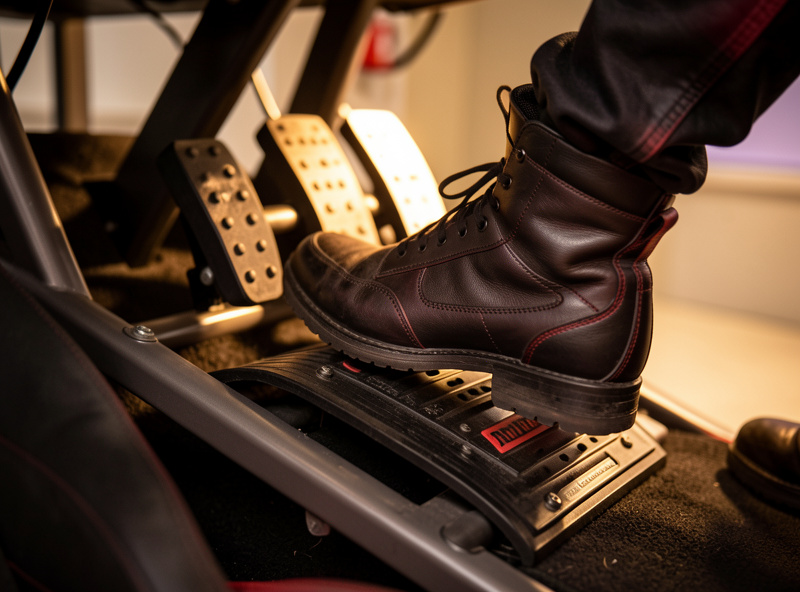
If your pedal set does not have a manufacturer app, or you want to calibrate at the Windows level, Game Controllers does the job for any controller. Open Game Controllers by typing joy.cpl, select the pedal set (or the wheel it routes through), open Properties, and go to the Settings tab. Press and hold the pedal fully, then release, to let the raw values settle across the range. Some controllers expose a proper calibration wizard on that tab that walks through center, then full travel on each axis; run it from cold with feet off for the resting step.
The Windows-side calibration is the universal fallback, and it is especially useful for older pedal sets or brands whose app is finicky. The trade-off is that Windows calibration does not always expose the load-cell brake curve or the per-axis zero the manufacturer app does, so for a serious load-cell set I prefer the manufacturer app and treat Game Controllers as a sanity check. If Game Controllers shows a clean range but the manufacturer app does not, the app’s profile is corrupt and resetting it fixes the disagreement.
A Pedal Calibration Quick-Reference Table
This is the cheat-sheet I keep by the rig. Match the axis to the procedure and run it from cold every time.
| Axis or symptom | Cold procedure | How to confirm |
|---|---|---|
| Throttle drifts up at rest | Capture zero with feet off, then full travel | Raw bar reads 0 at rest, smooth to 100 |
| Brake spikes to full instantly | Reset load-cell zero with foot off | Resting brake reads 0, no jump on first touch |
| Clutch or throttle maxes early | Re-capture full-travel maximum to the stop | 100% only at the mechanical end of travel |
| Jittery input at rest | Cold recal, then clean the potentiometer | Steady reading, no flicker when untouched |
| App clean but sim shows offset | Re-run calibration inside the sim itself | Sim bars agree with the manufacturer app |
When a Deadzone Is the Right Call
A deadzone is a small range of input near zero that the sim ignores, so a resting pedal that reads a few percent does not register as a press. It is a legitimate tool, but it is also the most overused bandage in sim racing, because it hides a calibration fault instead of fixing it. The rule I follow: recalibrate cold first, and only add a deadzone if a clean calibration still will not hold between sessions, which usually points at an aging potentiometer rather than a software issue. A tiny deadzone of one or two percent on an aging pedal is fine and honest. A large deadzone to mask a brake that spikes is not, because it eats your fine pedal control and delays the real fix.
How often to recalibrate depends on the set. A quality load-cell set that holds its zero might need recalibration a couple of times a year. A potentiometer-based set in a humid room might drift weekly. The signal to recalibrate is not the calendar, it is the symptom: any resting offset, any spike on first touch, any axis that maxes early. Catch those early and a cold recalibration fixes them in two minutes; ignore them and they curdle into a “my pedals are broken” panic that ends in an unnecessary purchase.
Frequently Asked Questions
How do I recalibrate my sim racing pedals?
From cold with your feet off the pedals, clear the old calibration, capture the resting zero on every axis, then press each pedal to full travel to capture the maximum. Confirm the raw input runs smoothly from 0 to 100, save, and re-check inside the sim so both calibrations agree.
Why does my brake pedal need recalibrating?
On a load-cell brake the zero point drifts with age, temperature, and mounting tension, so a resting brake reads as partially applied and spikes toward full on first touch. Resetting the load-cell zero with your foot off restores a clean 0 at rest and removes the spike.
How do I calibrate a load-cell pedal?
Capture the zero with your foot off, then set the maximum by pressing to your hardest comfortable brake force rather than the mechanical stop, because a load cell measures force not travel. Then shape the brake curve to taste. Always set zero and max before adjusting the curve.
Why does my throttle pedal drift up on its own?
The throttle minimum has drifted upward, usually from an aging or oxidised potentiometer or a calibration captured with a foot resting on the pedal. A cold recalibration that captures the true resting zero fixes it. If it returns quickly, the potentiometer needs cleaning or replacing.
Should I use a deadzone on my sim pedals?
Only after a clean cold recalibration still will not hold. A small one-to-two percent deadzone is honest for an aging pedal, but a large deadzone used to mask a spiking brake hides the real fault and costs you fine pedal control. Recalibrate first, deadzone last.
How often should I recalibrate my sim pedals?
Recalibrate on symptoms, not a schedule. A quality load-cell set may hold for months; a potentiometer set in a humid room may drift weekly. Any resting offset, spike on first touch, or axis that maxes early is the signal to run a cold recalibration before assuming the hardware has failed.