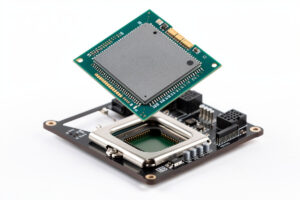
The best CPU for sim racing is a high-clocking chip with strong single-thread performance — not the one with the most cores. Sim physics run on a tight loop that hammers one or two threads, so per-core speed and IPC decide your frame floor, while core count barely matters until you hit big multiplayer grids. A current mid-range 6 or 8-core gaming CPU is plenty for almost everyone, and the cache-heavy chips pull ahead specifically in packed online races.
This is the spec people get most wrong, because they bring the productivity-PC instinct — more cores, more better — straight into a workload that doesn’t care. I’ve watched a high-clocking 6-core comfortably out-deliver a sluggish 12-core in iRacing on the same rig. The sim isn’t using those extra cores; it’s pinning one or two and asking how fast they are. Get that right and the CPU drops out of your list of worries.
Why Single-Thread Performance Wins
A racing sim calculates physics — tyre loads, suspension, contact patches — on a fixed-rate loop that runs faster than your frame rate, often hundreds of times a second. That loop is largely single-threaded by nature, so the chip’s per-core clock speed and instructions-per-clock set how much physics headroom you have. Spread that work across many cores and you’d add latency; sims deliberately don’t.
The result is that a CPU benchmarked as “slower” in a multi-core productivity test can be the faster sim racing chip, because what matters here is how quickly one core chews through the physics tick. When you read CPU reviews for sim racing, ignore the rendering and encoding charts and look at gaming benchmarks at 1080p, where the CPU — not the GPU — is the limiter. That’s the closest proxy for how it’ll feel feeding a sim.
How Many Cores Do You Actually Need?
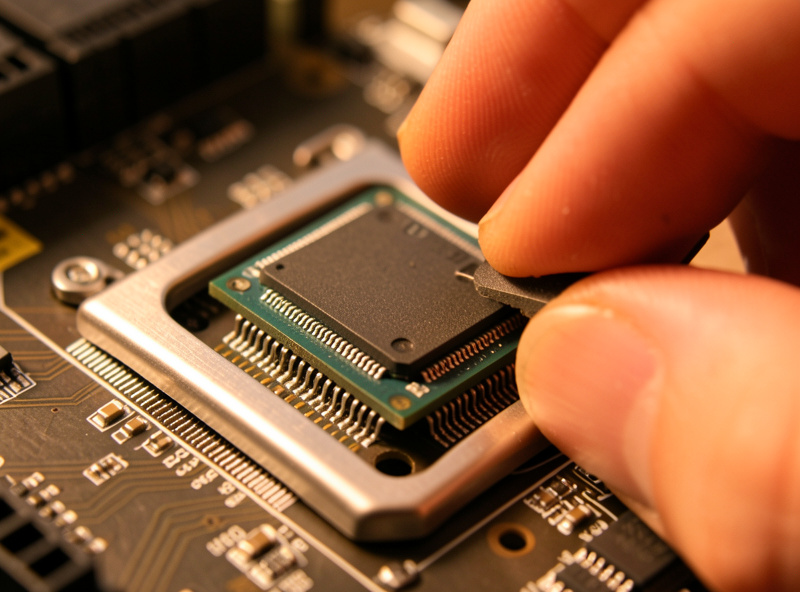
Six fast cores is the practical floor and handles a single sim with room for a telemetry overlay and voice chat in the background. Eight cores is the comfortable sweet spot, leaving headroom for streaming, a browser full of setup sheets, and the OS without the sim ever fighting for a thread. Beyond eight cores you’re buying capability the sim won’t use — those chips are for video editors, not racers.
The one place extra cores and especially large cache earn their keep is a 40-car online grid, where the physics for every other car on track has to be calculated each tick. That load scales with the field, and it’s where a stronger CPU keeps the frame rate from sagging at race starts. If you mostly hotlap or run small fields, a 6-core is genuinely all you need. A solid mid-range gaming CPU covers the vast majority of sim racers.
As an Amazon Associate I earn from qualifying purchases.
The Cache Advantage in Big Grids
Some gaming CPUs ship with a large stacked cache, and in sim racing that translates directly into smoother performance when the field is full. More cache means the CPU keeps more of the per-car physics data close to hand instead of fetching it from slower system RAM, and the payoff shows up exactly when you need it most — a packed race start with 30-plus cars braking into turn one. That’s the moment a weaker CPU stutters.
If you race big online fields regularly, a cache-heavy chip is the single most worthwhile CPU upgrade for sim racing specifically, more so than chasing a few hundred extra MHz. For hotlapping and small lobbies the benefit shrinks, because there’s simply less physics to hold in cache. Match the chip to how you actually race. A large-cache gaming CPU is the pick for the endurance and league crowd running full grids.
You’re Probably GPU-Bound Anyway
Here’s the reassuring part: on most sim rigs, the CPU isn’t the bottleneck — the GPU is, especially once you add screens. Adding monitors is a GPU problem, not a CPU one, so a sensible mid-range chip will sit comfortably ahead of the graphics card on a triple-screen or VR setup. The CPU only steps into the spotlight in those big-grid moments; the rest of the time it’s coasting.
That means CPU is rarely where your sim racing budget should go heavy. Buy a good-enough chip, then spend the savings on the GPU sized to your display — the logic for that is in the GPU-by-resolution guide. Overbuying the CPU on a single-screen rig is a classic lopsided build: a hero processor bottlenecked by a card that can’t keep up, or vice versa. Balance is the whole game, as the full build guide lays out.
Cooling and Boost Behaviour
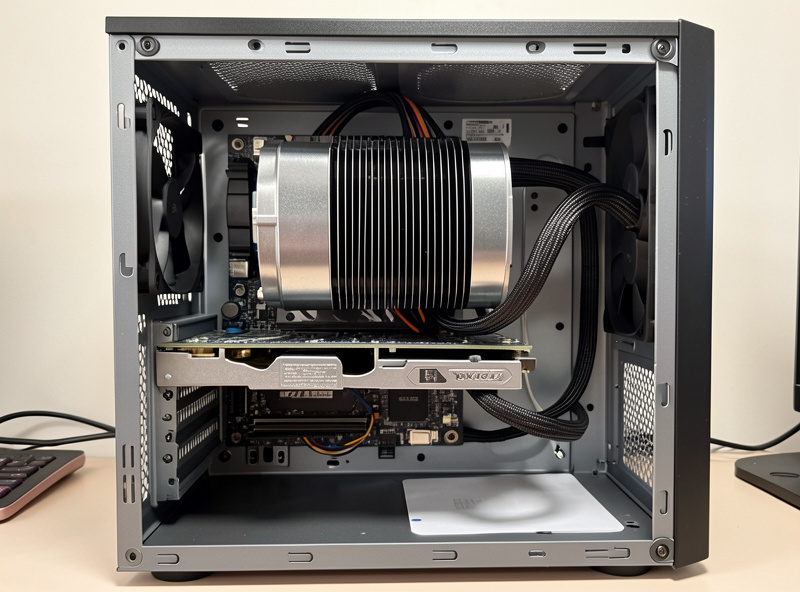
Modern CPUs boost their clocks based on thermal headroom, so cooling directly affects the single-thread speed you actually get in a sim. A chip that thermal-throttles in a warm rig room after twenty minutes loses exactly the per-core clock that matters here. A decent tower air cooler is enough for the mid-range chips this workload wants — you don’t need exotic liquid cooling for sim racing, and an AIO pump is just one more failure point mid-race.
Set a fan curve that ramps early rather than late, keep the case airflow honest, and the CPU holds its boost through a long endurance stint. This matters more on a sim rig than a desk PC because the box often sits in poor airflow under the cockpit, in a room warmed by a person racing hard. Cooling isn’t glamorous, but it’s the difference between a chip that holds its clocks and one that quietly sags in the second half of a race.
Frequently Asked Questions
What is the best CPU for sim racing?
A high-clocking mid-range gaming CPU with strong single-thread performance, typically a 6 or 8-core chip. Sim physics run on one or two threads, so per-core speed beats core count. Cache-heavy chips pull ahead specifically in large online grids.
Do I need a lot of cores for sim racing?
No. Six fast cores is the practical floor and eight is the comfortable sweet spot for streaming and overlays. Beyond eight, the sim simply will not use the extra cores — that capacity is for video editing, not racing.
Is single-thread or multi-core performance more important?
Single-thread. A racing sim runs physics on a tight, largely single-threaded loop, so per-core clock speed and IPC set your frame floor. A fast 6-core can beat a slower 12-core in iRacing because the sim only pins one or two cores hard.
Does CPU cache matter for sim racing?
Yes, in full grids. A large stacked cache keeps per-car physics data close to the CPU instead of fetching from slower RAM, smoothing performance at packed race starts with 30-plus cars. For hotlapping the benefit is much smaller.
Will the CPU bottleneck my sim racing PC?
Rarely. On most rigs you are GPU-bound, especially with triple monitors or VR, because adding screens is a GPU load not a CPU one. The CPU only becomes the limit in large multiplayer fields where physics for many cars is calculated each tick.
Do I need liquid cooling for a sim racing CPU?
No. A good tower air cooler keeps mid-range gaming CPUs in their boost range, even in a warm rig room. Liquid cooling does not solve a sim-specific problem and an AIO pump is one more thing that can fail mid-race.