For sim racing, a monitor wins on responsiveness and a projector wins on raw immersion — and for most racers that means a monitor. A good gaming monitor gives you low input lag, high refresh, and sharp text on the apex; a projector throws a huge wraparound image but brings input latency, lower effective resolution, and a dark-room requirement that most home rigs can’t meet. If you race to be fast, choose the screen; if you race to feel surrounded, the projector has a real case.
I’ve run both on the welded rig — triples and a single ultrawide for the day-to-day, and a projector experiment for the wow factor. The projector is genuinely spectacular for the first lap and then you notice the lag in a hard braking zone. This guide is the honest tradeoff, because the influencer videos sell the immersion and skip the part where input latency costs you lap time. The display choice also sets your GPU load, which ties back into the whole PC build.
Input Latency: The Deciding Factor
Sim racing is a twitch discipline. Your braking input has to land at a precise point, and any delay between your action and the picture updating pushes that point later. Gaming monitors are built for this — a fast panel adds only a few milliseconds of input lag. Projectors, especially consumer home-cinema units, often add far more through their image processing, and that delay is exactly the thing that makes a car feel disconnected under braking.
Some gaming-oriented projectors now offer a low-latency mode that narrows the gap considerably, and that’s the only kind worth considering for sim racing. But even then, you’re usually accepting slightly more latency than a dedicated gaming monitor for the trade of a bigger image. Know that you’re making that trade — it’s the single biggest reason competitive racers stay on monitors.
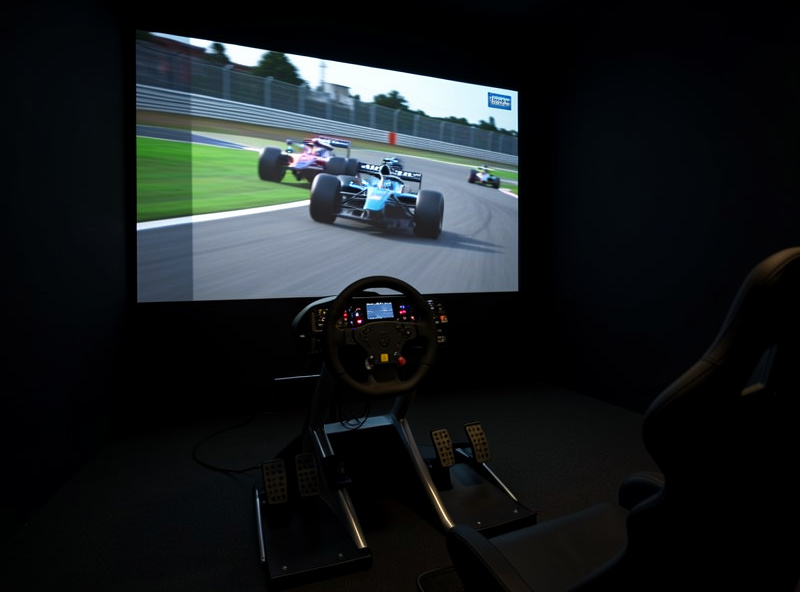
Immersion and Field of View
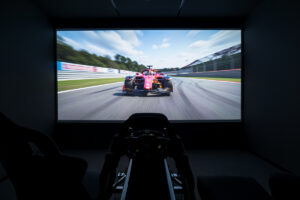
This is where the projector earns its fans. A single throw can fill your entire forward field of view with no bezels breaking the image — something even a triple-monitor wall can’t fully match because of the frames between panels. For a relaxed cruise or a VR-adjacent sense of scale without a headset, a big projected image is genuinely immersive in a way monitors struggle to equal.
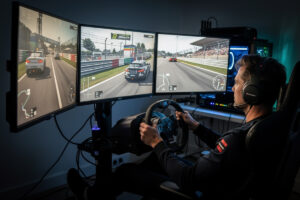
Triples close most of that gap, though. Three angled panels wrap the view and, with correct FOV setup, give a convincing sense of speed and spatial awareness — and they keep the low latency and high refresh a projector sacrifices. The triples vs ultrawide comparison is worth reading alongside this, because for many people the real fight is triples vs projector, not single monitor vs projector.
Monitor vs Projector at a Glance
Here’s the side-by-side I’d put in front of anyone deciding. The pattern is consistent: the monitor wins every performance-critical row, the projector wins on image size and immersion, and your priorities decide it.
| Factor | Gaming Monitor | Projector |
|---|---|---|
| Input latency | Very low (a few ms) | Higher; low-latency mode helps |
| Refresh rate | 144–240Hz common | Often 60–120Hz |
| Effective resolution | Sharp 1440p/4K | Lower perceived sharpness when scaled large |
| Immersion / FOV | Strong with triples | Excellent, seamless image |
| Ambient light | Works in any room | Needs a dark or controlled room |
| Best for | Competitive, fast laps | Immersion, casual cruising |
The Room Requirement Nobody Mentions
Projectors need controlled light. In a bright room the image washes out into a grey haze, and most home sim rigs share a space with windows, lamps, and other use. To get the cinema-quality image the projector is sold on, you often need blackout conditions — which is fine for a dedicated sim cave and impractical for a rig in a living room or shared office. A monitor doesn’t care; it’s bright and crisp with the curtains open.
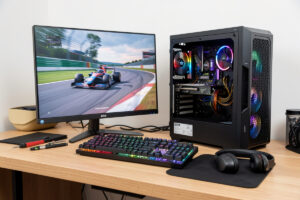
This single constraint disqualifies projectors for a lot of people before performance even enters the conversation. Be honest about your space. If your rig lives somewhere you can’t reliably darken, a projector will disappoint you regardless of its specs, and the money is better spent on a quality monitor or a triple setup. A capable high-refresh gaming monitor sidesteps the whole lighting problem.
As an Amazon Associate I earn from qualifying purchases.
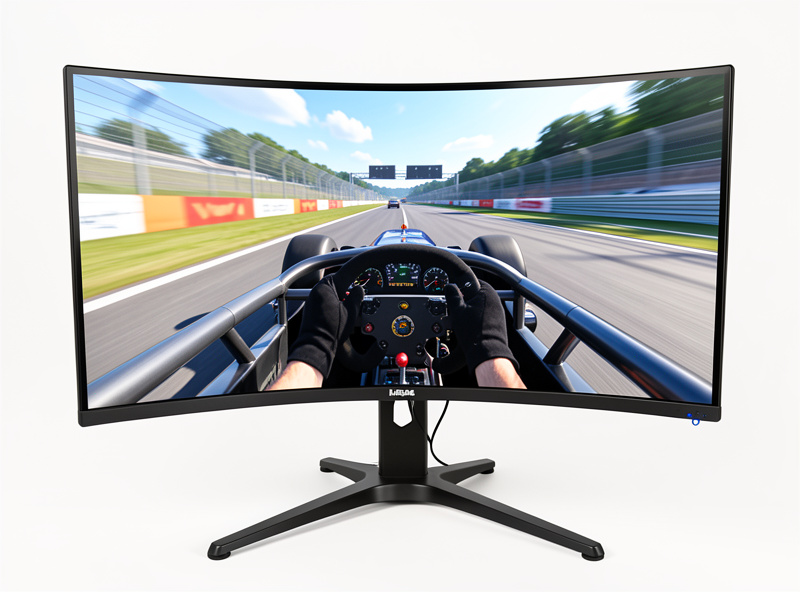
Cost and the GPU Knock-On
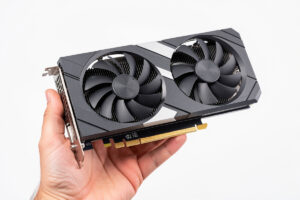
A big projected image is a big pixel count, and that lands back on your graphics card the same way triple monitors do. Driving a huge image at a usable resolution still demands GPU horsepower, so the projector isn’t a way to dodge the GPU-sizing decision — if anything it complicates it, because you’re pushing many pixels into a panel that may not reward the sharpness. Factor the card into the projector’s true cost.
On pure value, a single quality gaming monitor is often the most lap-time-per-dollar choice, with triples as the immersion upgrade that keeps the performance. The projector is a specialist pick: brilliant in the right dark room for a racer who prizes the surrounding image over the last few tenths. There’s no universally best answer — there’s the answer for your room, your priorities, and how seriously you chase the clock.
What I’d Pick, and For Whom
If you’re chasing iRating and consistent lap times, it’s not close: a fast gaming monitor, then triples when the budget allows. The low latency and high refresh are non-negotiable when a tenth matters, and you get them in any room without fighting the lighting. That’s the path I keep coming back to on my own rig after every immersion experiment, because the moment the racing gets serious, responsiveness beats spectacle.
If you race for the experience — relaxed cruising, big scenic tracks, the feeling of being in the car more than the stopwatch — and you have a room you can darken, a low-latency gaming projector is a legitimately joyful setup. Just go in knowing the tradeoff you’re making, budget for the GPU to feed it, and accept that on a hard brake into a hairpin it will never feel quite as locked-in as a good monitor. Match the display to why you race, and either choice is the right one.
Frequently Asked Questions
Is a monitor or projector better for sim racing?
A monitor for most racers. It offers very low input lag, high refresh, and sharp detail — the things that help you brake accurately. A projector gives a bigger, more immersive image but adds latency and needs a dark room, suiting casual immersion over fast laps.
Do projectors have too much input lag for sim racing?
Consumer projectors often do, because image processing adds delay that hurts braking precision. Gaming projectors with a low-latency mode narrow the gap, but still typically lag a dedicated gaming monitor. For competitive racing, a fast monitor remains the safer choice.
Can I use a projector in a normal lit room?
Not well. Projectors need controlled or dark lighting or the image washes out to grey. A rig in a living room or office with windows will disappoint. Monitors stay bright and crisp in any light, which is why they suit shared spaces.
Are triple monitors better than a projector?
For most sim racers, yes. Triples wrap your field of view with correct FOV setup while keeping low latency and high refresh. A projector edges them on a seamless bezel-free image but sacrifices the responsiveness that matters for fast, consistent laps.
Does a projector need a powerful GPU?
Yes. A large projected image still pushes many pixels, so it demands GPU horsepower much like triple monitors. The projector does not let you skip sizing the graphics card to your effective resolution and target frame rate.