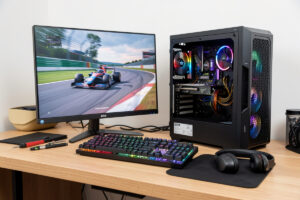
A capable sim racing PC does not need flagship parts. Buy a last-generation mid-range GPU, a high-clocking 6-core CPU, 32GB of dual-channel RAM, and a 1TB NVMe SSD, accept a single 1440p screen to start, and you’ll land a smooth 100+ fps box for far less than the shops quote — often a little over half the price of an “enthusiast” build. The trick isn’t buying cheap; it’s buying balanced, because a budget rig fails when one strong part is starved by weak ones around it.
I’ve specced these for friends getting into the hobby, and the same lesson lands every time: the bottleneck on a budget build is never one expensive thing missing, it’s the temptation to blow the whole budget on a GPU and starve everything else. A balanced mid-range box that never bottlenecks beats a lopsided one with a hero card choked by slow RAM and a SATA drive. This is the budget application of the logic in the full PC build guide.
Where the Budget Should Go
Spend in order: GPU first, then CPU, then RAM and the NVMe drive, then a decent PSU and case. On a budget single-screen build the GPU is still the biggest lever on holding frames, but “biggest” doesn’t mean “most expensive available” — it means the best mid-range card you can afford at your resolution. The GPU-by-resolution guide shows why a single 1440p screen genuinely doesn’t need a flagship; that’s where budget builds save the most.
The CPU is where budget builders can relax: a high-clocking 6-core from a recent generation is plenty, since sims lean on single-thread speed, not core count — the CPU guide covers why. Don’t overspend here; the savings go into the GPU or pedals. RAM and storage are non-negotiable basics: 32GB dual-channel and a 1TB NVMe, both covered in the RAM and SSD guide. Skimp on those and the whole rig feels slow regardless of the card.
A Balanced Budget Parts List
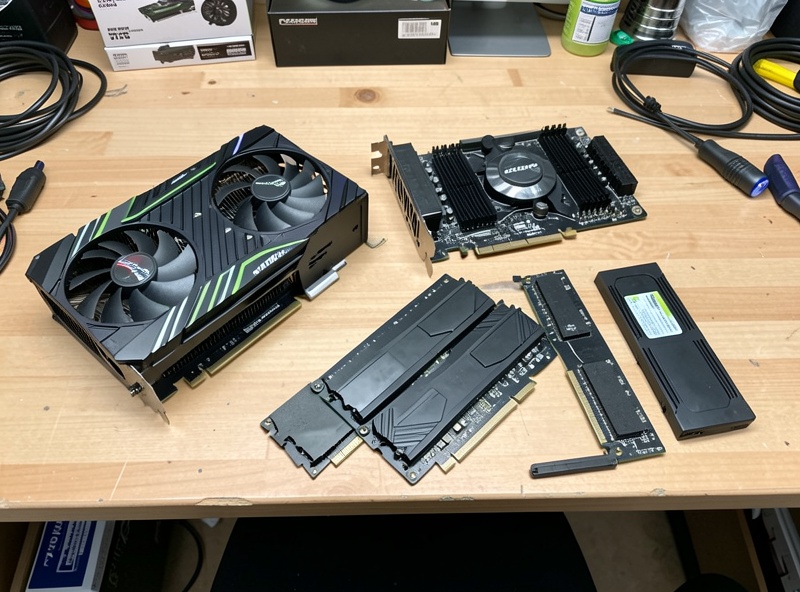
Here’s the shape of a sensible budget single-1440p-screen build. Exact models shift with the market, so treat this as the balance to aim for rather than a fixed shopping list — the point is that no single part dominates the spend.
| Part | Budget target | Why this tier |
|---|---|---|
| GPU | Last-gen mid-range | Holds 100+ fps at single 1440p; biggest lever |
| CPU | Recent 6-core, high clock | Sims want single-thread speed, not core count |
| RAM | 32GB dual-channel kit | Headroom for overlay, voice, browser |
| Storage | 1TB NVMe SSD | Fast track loads; sims are huge |
| PSU | Quality 650W | Clean power, room for a later GPU upgrade |
| Case | Good airflow, modest | Cooling holds boost clocks through a race |
Notice nothing here is exotic. A budget build is about discipline, not deprivation — every part is “enough” for a single high-refresh screen, and the total comes in well under an enthusiast build because you’re not paying for triple-monitor or VR headroom you don’t yet need. A solid mid-range graphics card anchors the whole thing.
As an Amazon Associate I earn from qualifying purchases.
The Used Market and Last-Gen Bargains
The single biggest budget lever is buying last-generation rather than current parts. A GPU one generation back often delivers 80–90% of the current model’s sim performance for a large discount, and at a single 1440p screen you’ll never feel the difference. The used market is even cheaper if you’re careful — a used mid-range card from a non-mining seller, tested before you buy, can halve the GPU cost, which is usually the biggest line item.
Apply the same thinking to RAM and the SSD: last-gen and mainstream parts are dirt cheap and perform within a hair of premium ones for sims. The only place I’d be cautious buying used is the PSU — a tired power supply is a false economy that can take other components with it, so buy that new even on a budget. A new quality 650W power supply is cheap insurance for everything else in the box.
Build to Upgrade Later
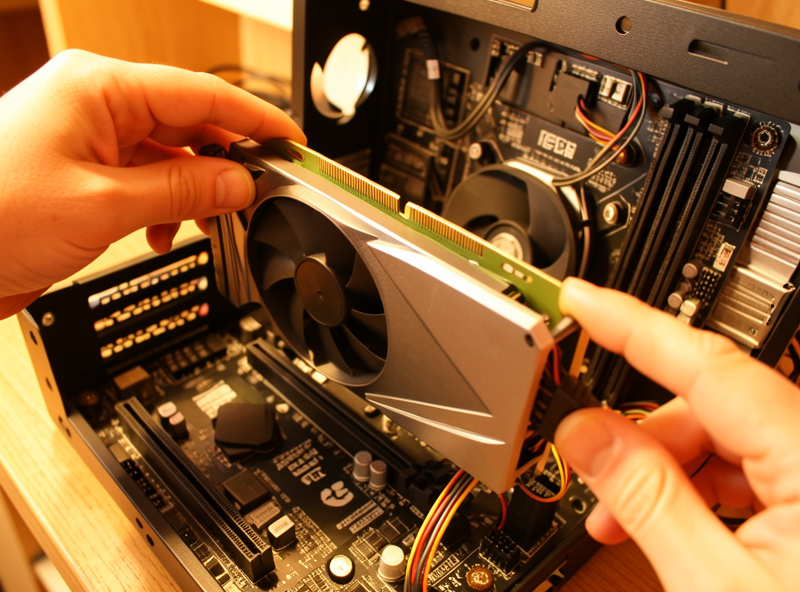
A smart budget build leaves room to grow. Buy a PSU and case with a little headroom so that when you add a stronger GPU for triples down the line, you’re swapping one part rather than rebuilding. Choose a motherboard whose platform has an upgrade path so a future CPU bump doesn’t mean a new board. This staged approach is how most sim racers actually do it: start single-screen and capable, then upgrade the GPU and add monitors when the budget and the ambition arrive.
The mistake is building a dead-end box to save a few pounds now — a PSU too small to ever take a bigger card, or a platform with no upgrade path. Spend the small premium on the parts that determine future flexibility (PSU, case, board) and save on the parts you’ll replace anyway (GPU, which you’ll upgrade; storage, which you’ll add). That way the budget build is a foundation, not a throwaway.
Don’t Forget the Cockpit Side
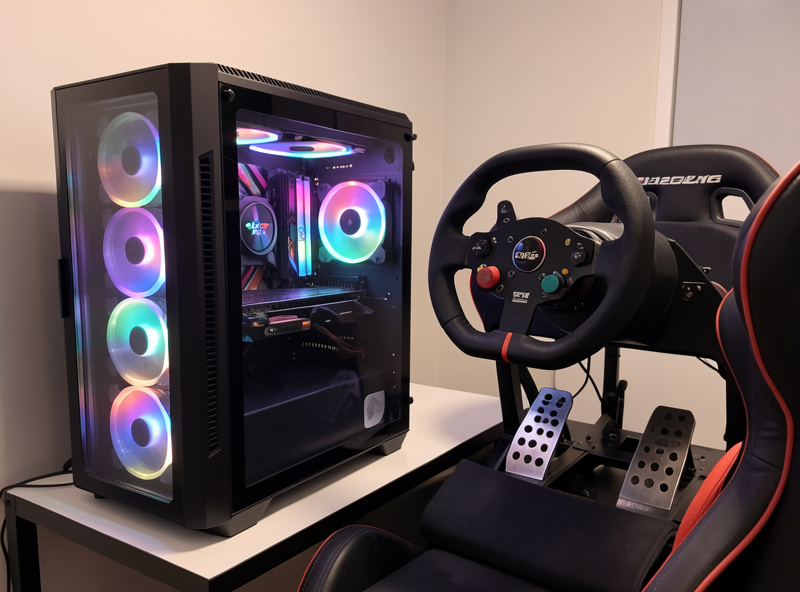
A budget PC is only half the equation — the wheel, pedals, and rig are the other half, and they’re where the driving feel actually lives. There’s no point pairing a balanced budget PC with a toy wheel; the budget rig and peripherals guide covers getting a capable cockpit and gear without overspending, and together with this build it’s the complete on-a-budget path into the hobby. Spread the money across both, and prioritise pedals — a load-cell brake does more for your lap time than almost any PC upgrade.
And once it’s all together, the gains shift from hardware to you. A balanced budget rig that holds frames lets your inputs and your force feedback tune do the talking, which is exactly where a sim racer wants to be — not fighting the equipment, just driving. Built sensibly, a budget box is no barrier to being fast.
Frequently Asked Questions
How much does a budget sim racing PC cost?
A balanced single-1440p-screen build with a last-gen mid-range GPU, a recent 6-core CPU, 32GB of RAM, and a 1TB NVMe SSD comes in well under an enthusiast build — often a little over half the price — while still holding 100-plus fps in iRacing and ACC.
What is the most important part of a budget sim racing PC?
The GPU, sized to a single 1440p screen — but mid-range, not flagship. It is the biggest lever on holding frames. The classic budget mistake is blowing the whole budget on the card and starving the RAM, storage, and CPU around it.
Can a cheap PC run sim racing well?
Yes, if it is balanced. A last-gen mid-range GPU, a high-clocking 6-core CPU, 32GB of dual-channel RAM, and an NVMe SSD give a smooth single-screen experience. Sims are well optimised, so you do not need flagship parts to race well.
Should I buy used parts for a budget sim racing build?
Often, yes — a tested used mid-range GPU from a non-mining seller can halve the biggest line item. Last-gen RAM and SSDs are cheap too. The one part to buy new is the PSU, because a tired power supply can damage everything else.
Can I upgrade a budget sim racing PC later?
Yes, and you should build for it. Choose a PSU and case with headroom and a platform with an upgrade path, so adding a stronger GPU for triples or a future CPU is a single swap rather than a rebuild. Start single-screen, then grow.