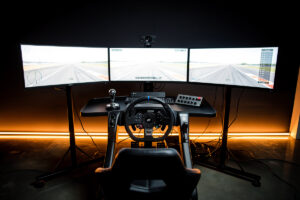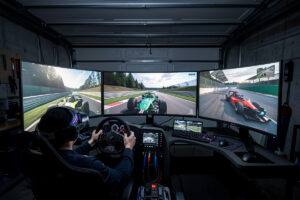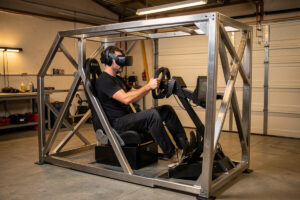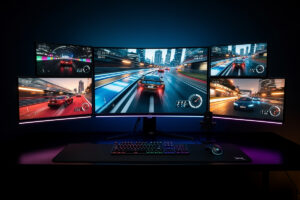
The best sim racing monitors in 2026 combine 1440p resolution, 165Hz+ refresh rates, and fast pixel response to deliver sharp, fluid visuals that help you spot braking markers and apexes earlier. After bolting OLED, IPS, and VA panels onto my rig across iRacing and ACC, LG’s UltraGear 27-inch 240Hz OLED (the current 27GS95QE-B) stands out as the top overall pick, while the Dell S2722DGM delivers 90% of the experience for under $250. This is the single-panel and triple-screen deep-dive companion to my full sim racing monitor and VR guide — start there if you are choosing between display types, then come back here for model-by-model picks.
Monitor selection for sim racing comes down to three specs that directly affect lap times: resolution determines how far ahead you can identify track features, refresh rate controls motion smoothness during high-speed cornering, and response time prevents ghosting when the screen scrolls rapidly past barrier textures. Every monitor in this guide has been evaluated on these three axes, plus build quality and ergonomic adjustability — because a monitor you cannot position correctly at your wheel base is a monitor wasting its potential.
What Makes a Monitor Good for Sim Racing
Sim racing demands three things from a monitor that general-purpose displays often lack: consistent high refresh rates under GPU load, minimal input lag below 10ms, and wide viewing angles for off-center mounting. A monitor that looks great in Windows but stutters in ACC rain at 90 fps is not a sim racing monitor — it is a compromise.
Input lag is the single most overlooked spec — and it is the spec I chase hardest when I bolt a new panel onto my rig. Budget monitors often ship with 15-20ms of input lag in their default picture mode, adding perceptible delay between your wheel input and the on-screen response. For sim racing, total system latency — from USB input to pixel change — should stay under 20ms. Monitors with 5ms or less of native input lag leave headroom for USB polling and GPU rendering, keeping the total chain responsive.
Panel type affects both image quality and motion clarity. IPS panels dominate the sim racing market because they offer 178° viewing angles (critical when your monitor sits 50-60 cm from your face and your eyes scan across extreme screen edges), accurate colors, and 1-4ms response times at competitive prices. Getting the viewing distance and angle right matters as much as the panel tech — I walk through the exact math in my sim racing FOV calculator guide, and the short version is that most rigs place the monitor 10-15 cm too far away. VA panels offer better contrast ratios for night racing but suffer from slower pixel transitions in dark scenes, causing smearing on shadow-heavy tracks like Nordschleife at dusk.
Best Overall: LG UltraGear 27-inch OLED (27GS95QE-B)
The LG 27GS95QE-B — the current, brighter successor to the 27GR95QE-B that put 1440p OLED on the map — delivers perfect blacks, 0.03ms pixel response, and 240Hz refresh in a 27-inch 1440p OLED panel — specifications that no LCD monitor can match at any price. It launched at $900, and street pricing swings by hundreds of dollars with stock and sales, so check the current price before assuming the budget; if you find the older GR model heavily discounted, the racing experience is nearly identical. For sim racing, the OLED advantage is most visible in night racing: headlights illuminate track detail against true black backgrounds, while LCD panels show grey haze in dark corners that obscures the racing line.
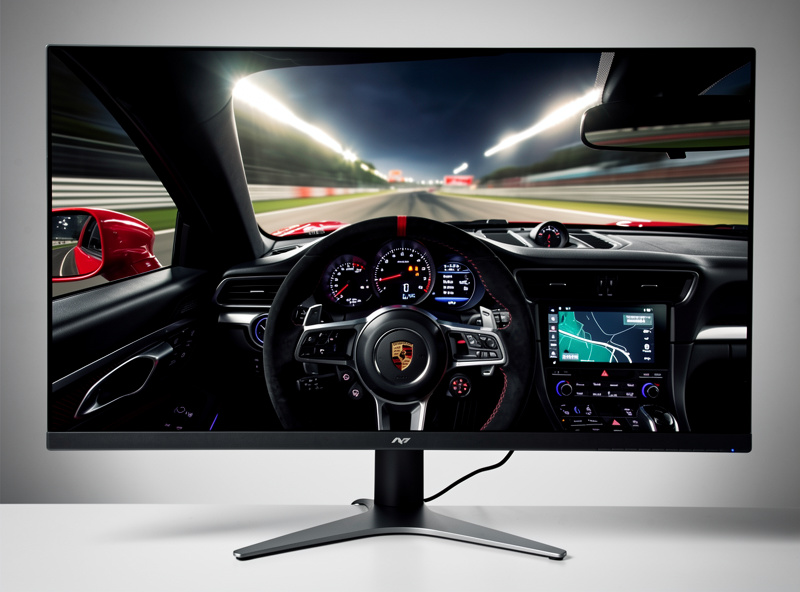
The 240Hz refresh rate is overkill for most sim racers — very few GPUs maintain 240 fps in ACC or iRacing with quality settings — but it provides headroom for future GPU upgrades and makes desktop use feel incredibly smooth. The 0.03ms response time eliminates all ghosting, even in the fastest scrolling scenarios like barrier-side trees at 300 km/h on Monza’s straights.
The OLED risk is burn-in. Static HUD elements — speedometer, gear indicator, track map — displayed for hundreds of hours can leave faint permanent marks. LG includes pixel shift and panel care features that mitigate this, but sim racers who run 4+ hour daily sessions should use HUD transparency settings and pixel shift in their sim options. For most users racing 1-2 hours per day, burn-in is a non-issue with basic precautions.
Best Value: Dell S2722DGM ($230)
The Dell S2722DGM is a 27-inch 1440p VA panel at 165Hz that punches far above its price point. Its 3000:1 contrast ratio makes night racing in ACC genuinely atmospheric, the 165Hz refresh rate keeps motion smooth, and the $230 price tag undercuts every IPS competitor with similar specs by $70-120.
The VA panel’s weakness is dark-scene response time — pixel transitions in very dark grey-to-black transitions take 8-12ms versus 1-4ms on IPS. In practice, this manifests as slight smearing when you blast through night sections at high speed. Most sim racers never notice it; the ones who do are typically running ACC at Spa 24h at 2 AM with rain. For daytime racing and most mixed conditions, the S2722DGM performs identically to monitors costing twice as much.
The stand offers height, tilt, and swivel adjustment but no pivot — irrelevant for sim racing since landscape is the only orientation you need. VESA 100×100 mounting is supported for monitor arm users. At $230, this is the monitor to buy if you are building a triple setup on a budget: three S2722DGMs cost $690, versus $2,000 and up for three OLED panels.
Best for Triples: ASUS VG27AQ1A ($300)
The ASUS VG27AQ1A is purpose-built for multi-monitor setups: its thin bezels (6 mm on three sides), IPS panel with wide viewing angles, and 170Hz refresh rate make it the most popular choice for triple sim racing configurations. I have run triples and a single ultrawide on my rig — the immersion difference is real, and I detail every tradeoff in my triple monitor vs ultrawide comparison. Three VG27AQ1As at 45° angle deliver 165° horizontal FOV with minimal bezel interference.
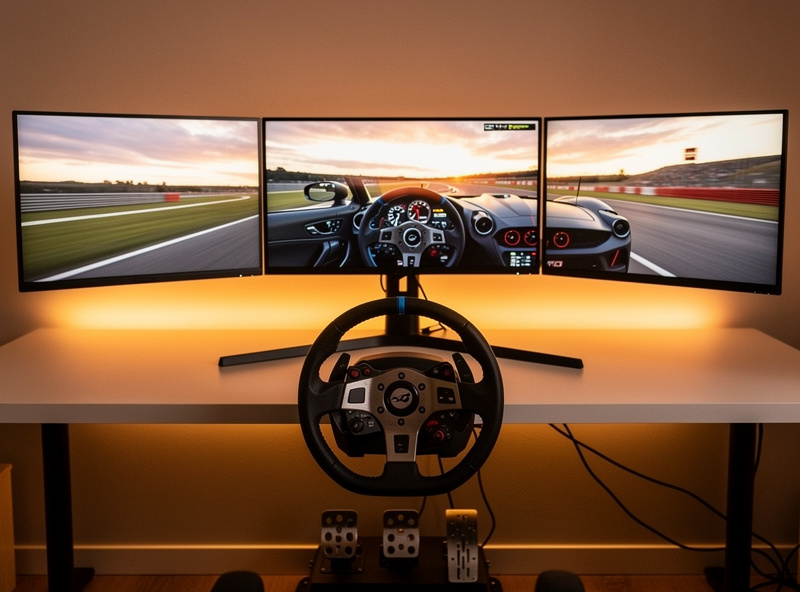
The thin-bezel design matters more than specs for triples. Thick bezels create visible gaps between screens that break immersion and force your brain to “fill in” the missing visual information during transitions from center to side screens. At 6 mm, the VG27AQ1A’s bezels are among the thinnest available — most competing monitors use 8-12 mm bezels that add 16-24 mm of dead space between screens.
Color consistency across all three panels is another advantage of buying identical monitors. Mixing panel types — say, a VA center with IPS sides — creates visible color and brightness shifts at the screen boundaries that are distracting during racing. Three VG27AQ1As ship from the same production batch when ordered together, ensuring uniform color calibration out of the box.
Best Ultrawide: Samsung Odyssey OLED G9 ($1,100)
The Samsung Odyssey OLED G9 is the 49-inch super-ultrawide that replaces triple monitors for sim racers who value simplicity. Its 5120×1440 resolution at 32:9 aspect ratio wraps 120-130° of horizontal FOV around a single curved OLED panel with 0.03ms response and 240Hz refresh — the same pixel speed as the LG 27GR95QE-B but across a screen that fills your entire desk.
Setup takes five minutes versus the 30-60 minute bezel alignment process for triples. A good sim rig monitor mount cuts the alignment time in half either way — I cover the arm and stand options that actually hold adjustment after you dial them in, on my own rig. One monitor, one cable, one display configuration in Windows. NVIDIA Surround is not required — most sims natively support the 5120×1440 resolution, and the 1800R curve naturally wraps the image around your peripheral vision without software compensation.
The tradeoff versus triples is FOV ceiling. At 120-130° horizontal, the G9 covers the forward vision you need for GT and formula racing but leaves gaps at the extreme periphery that triples cover. In practice, this means you cannot see a car directly at your 3 o’clock or 9 o’clock position — you need mirrors or a spotter for that awareness. For most sim racers, the convenience and image quality of the G9 outweigh this limitation.
Budget Pick: Acer Nitro XV272U V3 ($200)
At $200, the Acer Nitro XV272U V3 delivers 27-inch 1440p at 180Hz on an IPS panel — the same core specifications as $350-400 monitors from ASUS and LG. I have run this class of panel at 160+ fps on a mid-range GPU — the hardware matchup matters more than chasing a spec number, which is why I paired this recommendation with my GPU for sim racing guide. The cost savings come from a simpler stand (tilt only, no height adjustment) and slightly lower peak brightness, neither of which matters when the monitor sits 50 cm from your face in a dedicated sim rig.
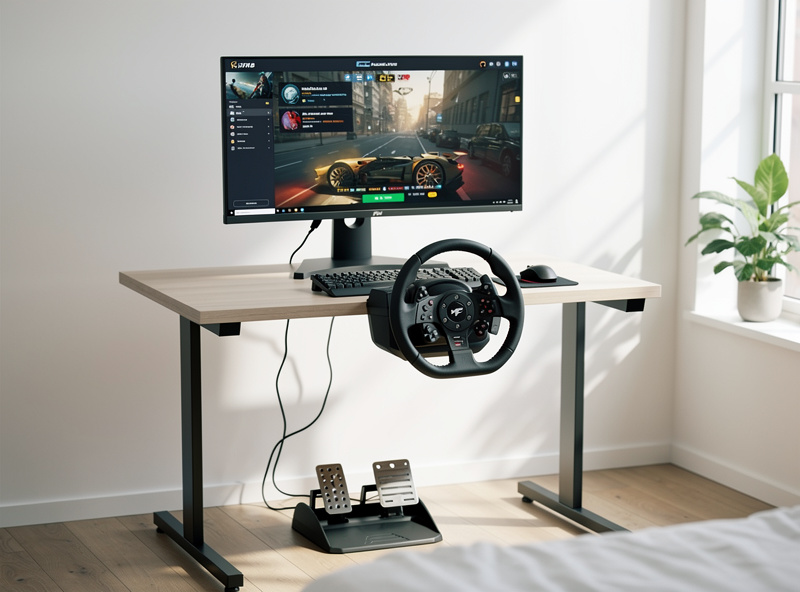
The 180Hz refresh rate exceeds what most GPUs deliver in modern sims at 1440p high settings — you will be GPU-limited at 100-140 fps in ACC and iRacing long before the monitor becomes the bottleneck. Response time is rated at 1ms (with overdrive) or 2ms native, both well within the threshold where ghosting becomes invisible to the human eye.
The lack of height adjustment is easily solved with a $25 VESA monitor arm, bringing the total to $225 — still $100+ cheaper than comparable alternatives. For budget triple setups, three XV272U V3 panels plus a $150 triple arm mount comes to $750 total, versus $900-1,200 for ASUS or LG triples with stands you would remove anyway to mount on an arm.
Race-Ready Setup: The Settings That Unlock Any of These Panels
Whichever monitor you land on, it ships in a picture mode chosen for showroom pop, not racing. The first thing I do with any new panel on the rig is switch to the game or sport picture preset — on most monitors that is the only mode with input-lag bypass enabled — and turn off every image “enhancement” the OSD offers. Dynamic contrast, motion smoothing, and sharpening filters all add processing time between the GPU and the pixels, and none of them survive a back-to-back lap comparison.
Overdrive is the setting worth five minutes of actual testing. Every LCD in this guide has an overdrive control (Response Time, Trace Free, OD — the name varies) that accelerates pixel transitions. The middle setting is almost always correct: too low and you get ghosting behind cars you are chasing, too high and you get inverse ghosting — bright coronas around dark objects that look worse than the problem it solves. OLED owners skip this entirely; there is nothing to overdrive.
Finally, run adaptive sync properly. Enable G-Sync or FreeSync in the driver, then cap your frame rate a few frames below the panel’s maximum refresh in the sim or driver settings. An uncapped sim bouncing off the refresh ceiling reintroduces exactly the latency and tearing that adaptive sync exists to remove. With the cap in place, frame delivery stays inside the sync window and the motion stays consistent through the GPU-heavy moments — full grids, rain, and the first lap chaos where you need the clarity most. On my own rig this single change did more for perceived smoothness than the jump from 144Hz to higher refresh tiers ever did.
Monitor Comparison Table
| Monitor | Size | Resolution | Panel | Refresh | Response | Price | Best For |
|---|---|---|---|---|---|---|---|
| LG 27GS95QE-B | 27″ | 2560×1440 | OLED | 240 Hz | 0.03ms | $900 list, sale prices vary | Overall best |
| Dell S2722DGM | 27″ | 2560×1440 | VA | 165 Hz | 2ms | $230 | Value |
| ASUS VG27AQ1A | 27″ | 2560×1440 | IPS | 170 Hz | 1ms | $300 | Triple setups |
| Samsung Odyssey OLED G9 | 49″ | 5120×1440 | OLED | 240 Hz | 0.03ms | $1,100 | Ultrawide |
| Acer Nitro XV272U V3 | 27″ | 2560×1440 | IPS | 180 Hz | 1ms | $200 | Budget |
Frequently Asked Questions
What is the best monitor size for sim racing?
27-inch is the sweet spot for most sim racing setups, offering 50-60° FOV at normal seating distance. 32-inch monitors add 5-8° of FOV but cost 30-50% more. For triples, matching 27-inch panels keeps costs manageable while reaching 150-180° total FOV.
Is OLED worth it for sim racing?
OLED delivers perfect blacks and 0.03ms response that no LCD can match, which is most noticeable during night racing. The LG 27GS95QE-B is the best sim racing monitor if budget allows. For triples, the cost premium — roughly two to three times what matched VA panels cost — is harder to justify.
Do I need 4K for sim racing?
No. 1440p at 27 inches delivers 109 PPI, which is sharp enough to read dashboard instruments and spot braking markers at 50-60 cm. 4K demands roughly double the GPU power for a marginal sharpness gain that most sim racers cannot distinguish during racing.
What refresh rate is best for sim racing?
144Hz is the practical minimum for sim racing — it eliminates visible judder during high-speed cornering. 165-180Hz is the sweet spot that matches what mid-range GPUs deliver at 1440p high settings. 240Hz is only useful if you own an RTX 4080 or better.
Can I mix different monitors in a triple setup?
Technically yes, but it creates visible color and brightness shifts at screen boundaries. Matching three identical monitors ensures uniform color, response time, and input lag across all panels. Budget three of the same model — even three $200 Acer Nitros outperform one $600 monitor plus two mismatched screens.
Related Articles
- Sim Racing Monitor and VR Guide: Every Display Option Compared
- Triple Monitor vs Ultrawide for Sim Racing
- Sim Racing FOV Calculator Guide
- Best GPU for Sim Racing 2026
- Sim Racing Cockpit and Stand Guide