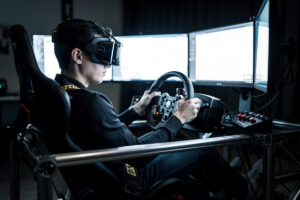
VR puts your eyes inside the car the way no flat panel can: real depth, a true sense of car rotation, and a cockpit that fills your peripheral vision the moment you turn your head. The catch is that it asks more of your PC, your stomach, and your patience than a triple-screen rig — and a headset running at 45fps feels worse than a single monitor at 120. This guide is the whole picture from the rig I run, where VR lives next to my triple monitors and gets bolted on for the days the depth is worth the cost.
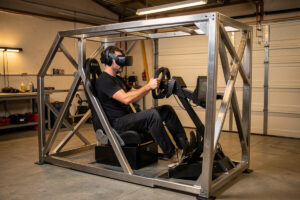
I race iRacing and ACC on a DIY welded-steel cockpit, mostly on triples, with a headset in the rotation for endurance stints and rally where seeing the apex over the dash actually changes my lap. I have run a Quest-class standalone headset over a wired link, a lightweight micro-OLED unit, and a high-resolution PCVR headset side by side on the same wheelbase, so the comparisons here are from swapping headsets on one rig rather than reading spec sheets. VR is the most immersive way to sit in a sim car and the most demanding — both of those are true, and the rest of this guide is about making the trade in your favor.
Why VR Beats a Monitor — and Where It Doesn’t
VR wins on the two things a flat screen physically cannot give you: stereoscopic depth and 1:1 head movement. You judge braking points by actual distance instead of a learned reference, and you look into the apex by turning your head, which on a long left-hander like the Karussell is worth real lap time. The cost is resolution density, brightness, and the weight on your face — a monitor shows sharper text and never makes you queasy.
The honest framing is that VR and triples solve different problems. Triples give you a wide, razor-sharp, comfortable wall of image you can stare at for four hours. VR gives you presence — the feeling that you are in the car — at the price of pixel density and PC headroom. On my rig I keep both because endurance races and qualifying laps reward different things. I break the full trade down in VR vs triple screens for sim racing, but the short version is that neither is universally correct.
The VR Headset Landscape for Sim Racing in 2026
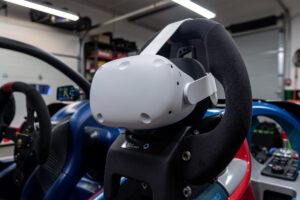
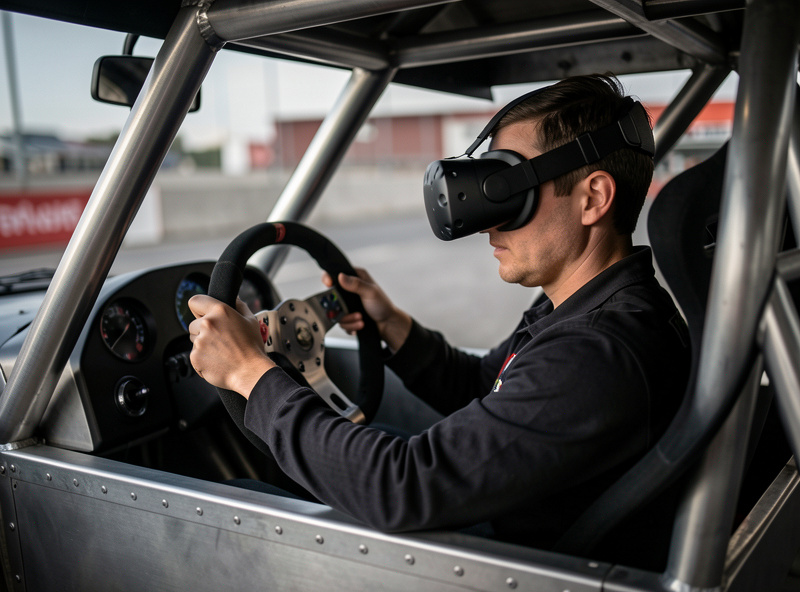
There is no single best headset — there is a best headset for your GPU, your budget, and how much weight your neck tolerates over a stint. Broadly, sim racers split across three tiers: standalone-plus-PCVR units like the Quest 3 that double as wireless headsets and tethered PCVR displays; lightweight micro-OLED units like the Bigscreen Beyond that prioritize comfort and black levels; and high-resolution PCVR headsets like the Pimax Crystal that chase maximum clarity at the cost of GPU load.
The Quest 3 is where most people start because it is self-contained, runs PCVR over a wired Link cable or wireless, and uses pancake lenses with edge-to-edge clarity that older Fresnel headsets never had. Step up and you are paying for either grams off your face or pixels per eye — rarely both. I walk through the actual buying decision tier by tier in best VR headset for sim racing, because the right pick depends far more on your graphics card than on any reviewer’s favorite.
| Headset Class | Strength | Trade-off | Who it fits |
|---|---|---|---|
| Standalone + PCVR (Quest 3 class) | Versatile, pancake lenses, wireless option | LCD blacks, needs encoding overhead | First VR headset, mixed use |
| Lightweight micro-OLED (Bigscreen Beyond class) | Very light, deep OLED blacks | PCVR-only, custom-fit, no standalone | Long stints, comfort-first |
| High-res PCVR (Pimax Crystal class) | Highest clarity, sharp distant cars | Heavy GPU load, heavier on the face | Strong GPU, clarity-first |
| Older Fresnel (Reverb G2 class) | Sharp center, cheap used | Sweet-spot fussy, discontinued | Budget PCVR, tinkerers |
What VR Actually Demands From Your PC
VR is roughly twice the rendering job of a single monitor: two eye buffers, rendered at high refresh, with a hard real-time deadline. Miss the frame budget and the headset reprojects — it synthesizes intermediate frames — and reprojection in a fast-panning cockpit is exactly where motion sickness and the “swimming” feeling come from. A card that crushes a flat 1440p monitor can stutter in the same sim in VR.
As a rule on my rig, VR sim racing wants a current upper-midrange to high-end GPU — RTX 4070-class as a sensible floor, 4080-class and up for the high-resolution headsets — paired with a CPU that holds a stable frametime, because in VR the lows hurt more than the average. The full breakdown of where the bottleneck actually sits lives in VR performance requirements for sim racing, and it leans on the same logic as my general sim racing PC build guide and GPU-to-resolution matching — VR just shifts the whole curve up.
The Setup Path: From Cable to Track
Getting into VR is not just buying a headset — it is the encoding pipeline, the runtime, and the in-sim settings all agreeing with each other. For a standalone-plus-PCVR headset that means a quality Link cable or a clean wireless link, the right runtime (the headset’s own software plus OpenXR or SteamVR), and a per-title setup. iRacing in particular rewards getting this right because its VR pipeline is mature and stable once configured.
I wrote a full walkthrough for the most common case in iRacing in VR setup guide — runtime selection, mirror window, pixel density, and the specific settings that buy frames without wrecking clarity. If you are coming from a flat setup, the broader VR setup guide covering Quest 3 and Reverb G2 covers the cross-title basics, and the monitor and VR display guide sits one level up as the display-decision hub.
Comfort and Motion Sickness — The Real Blocker
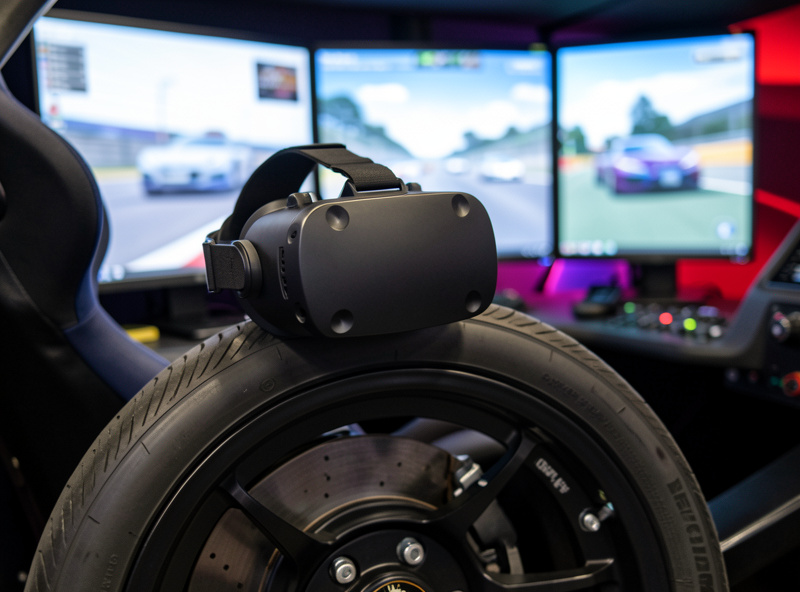
The number one reason people bounce off VR sim racing is not graphics — it is that the first few sessions make them queasy. That is normal and largely fixable. Motion sickness in VR comes from a mismatch between what your eyes see and what your inner ear feels, and it gets dramatically worse when your frametime is unstable, your FOV is wrong, or you push a full race distance on day one before your brain has adapted.
The fixes are concrete: lock a stable framerate before anything else, build tolerance in short sessions, get the IPD right, and — this is the underrated one — add a bass shaker or, if you have it, motion to give your body some physical signal that matches the visuals. I cover the full adaptation protocol and the settings that cause and cure it in motion sickness in VR sim racing. It is the article I send every new VR racer first.
Dialing In VR Settings: Clarity vs Frames
VR settings are a constant negotiation between sharpness and frametime, and the defaults are almost never right. The single most important lever is pixel density (supersampling): too low and distant cars are a smeary mess, too high and you drop below your refresh and reproject. Around that sit foveated rendering, which spends pixels where your eye looks and saves them in the periphery, and the per-effect settings — shadows, mirrors, crowd, and reflections are the usual frame thieves.
My approach is to fix the headset refresh, find the pixel density that holds it, then claw back quality with foveated rendering and selective effect cuts rather than dropping resolution. The exact order I tune in — and which settings give the most clarity per frame — is in adjusting VR settings for sim racing. It is the same telemetry-led mindset I bring to force feedback: change one thing, measure the frametime, keep what holds.
How VR Differs Across iRacing, ACC, AMS2 and rFactor 2
The universal levers — refresh, pixel density, foveated rendering, effect cuts — apply everywhere, but each sim weights them differently, and a profile that holds frames in one will stutter in another. iRacing has the most mature VR pipeline of the bunch: once configured it is rock-steady, it scales cleanly with pixel density, and OpenXR shaves real overhead off the older OpenVR path. It is the title I point new VR racers at first because it rewards a clean setup and rarely fights you afterward.
ACC is the heavy one. Built on Unreal Engine, it is the most GPU-hungry sim in common rotation, and it is where foveated rendering and trimmed shadows earn their keep — I run noticeably lower pixel density in ACC than in iRacing to hold the same frametime through a packed GT3 grid. AMS2 sits in between, with a generally forgiving VR mode and good frame pacing, while rFactor 2 has excellent physics and FFB but the fussiest VR menus of the four, so budget extra time getting its settings to behave. The takeaway: tune each title separately against its own worst case, exactly the way I keep a separate force-feedback profile per sim rather than copying one across all of them.
Where VR Sits in the Whole Rig
VR does not exist in isolation — it is one display option on a system that also has to be rigid, low-latency, and properly tuned. A wobbly desk mount ruins VR just like it ruins a wheel, because every head movement against a flexing frame fights your sense of presence. Wired networking matters too: on my rig the sim PC runs straight to the router over ethernet because latency is part of the feel, the same argument I make in the sim racing internet setup guide.
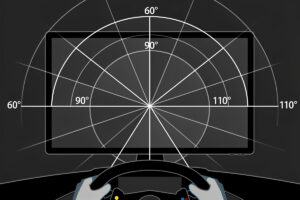
If you are weighing VR against the alternatives, the display-side decisions are covered across triple monitor vs ultrawide, the FOV calculator guide (VR fixes FOV automatically, flat screens do not), and the 2026 monitor picks. And if depth is what you are chasing, pairing VR with motion and haptics is the closest a home rig gets to a real car. VR is a headline feature, but it is the rig underneath that decides whether it works.
Wired vs Wireless VR for Racing
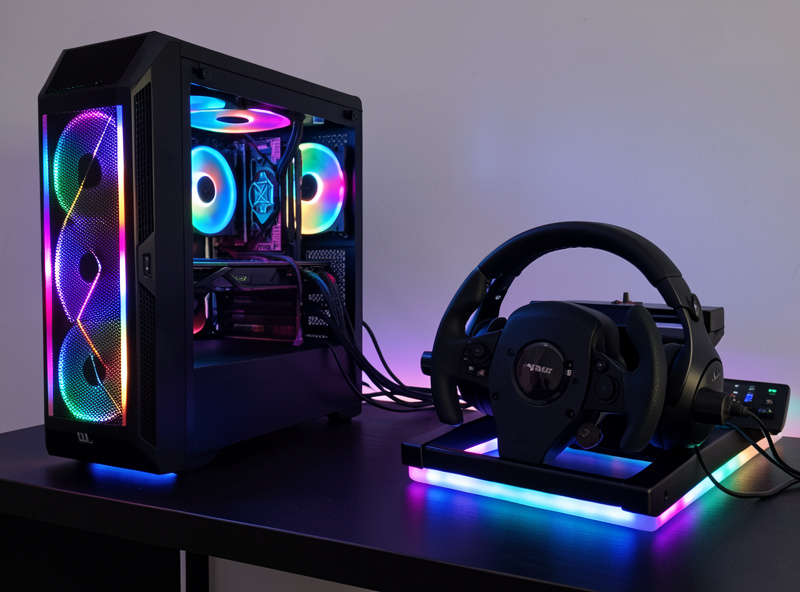
For a standalone-plus-PCVR headset you have a choice the PCVR-only units do not give you: run it tethered over a Link cable or wirelessly over your network. For racing I lean wired, and the reason is the same one I give for ethernet to the sim PC — latency and consistency beat convenience when milliseconds shape the feel. A wired Link gives you a fixed, high encode bitrate and removes the radio variability entirely.
Wireless is genuinely good now, and for casual laps the freedom of no cable tugging at your head is real. But racing is a worst case for any radio link: you are pinned in one seat for an hour, the headset is panning constantly, and a single congestion spike shows up as a compression smear right when you need to read a braking marker. If you go wireless, put the headset’s access point on its own 6GHz band, keep it line-of-sight, and never share that radio with the rest of the house. On my rig the cable wins because I would rather route one tidy tether than chase a dropout mid-stint.
Operating the Car Blind: Button Boxes and Cockpit Layout
The thing nobody warns you about with VR is that you cannot see your own hands or your button box. Every control you reach for during a race — wipers, brake bias, mapping, pit limiter, the in-sim black-box pages — has to be operated by feel. This is where a well-laid-out wheel with tactile, differentiated buttons and a properly mounted button box stops being a luxury and becomes the thing that keeps you from fumbling at 200km/h.
I run a button box on a 3D-printed plate off my own printer, positioned so my thumbs find the same switches every time without looking. The trick is consistency: muscle memory only works if the layout never moves, which is another argument for a rigid cockpit and bracketed mounts rather than clamp-on gear that shifts. Set up your most-used functions — bias, mapping, pit confirm — on the wheel face where your thumbs already rest, and leave the rare stuff for the box. In VR, a layout you can drive blind is worth more than one extra row of buttons you can never find.
Audio, Haptics, and Selling the Illusion
VR handles your eyes and your head; it does nothing for the rest of your body, and that gap is exactly what makes the illusion fragile. The fix is to give your body physical signals that agree with what your eyes report. Good positional audio is the cheapest win — closed headphones with proper surround place the car around you, and you start braking to engine note and locking-up tire scrub the way you would in a real car. Plenty of headsets have audio built in, but a dedicated pair usually beats the strap speakers.
Past audio, a bass shaker or transducer bolted to the rig is the single best comfort upgrade for VR. It turns kerb strikes, engine vibration, and ABS pulses into something your body feels, which both deepens immersion and — critically — reduces sim sickness by giving your inner ear a motion cue that matches the visuals. I run a transducer on my rig and it does more for VR believability per dollar than any resolution bump. If you eventually add full motion, the effect compounds; that progression is covered in the motion and haptics guide.
What VR Actually Costs to Do Right
The headset price is the part everyone sees and the smallest part of the real bill. A capable VR sim racing setup is the headset plus a GPU strong enough to feed it, and for most people the graphics card is the bigger line item. Budgeting only for the headset is the classic mistake — you end up with a unit your card cannot drive above reprojection, which feels worse than the monitor you already owned.
Plan it as a system: headset, a GPU with real VR headroom, a good cable or a dedicated wireless band, closed headphones, and ideally a transducer. The rig and pedals you should already have — VR sits on top of a sound cockpit, it does not replace one. If the budget forces a choice between a fancier headset and a stronger GPU, take the GPU every time, because clarity you cannot render is clarity you do not have. I lay out the exact card tiers in the VR performance requirements guide, and the broader spend logic in the budget PC build guide.
The VR Mistakes I Made Early — and What They Cost
I did not arrive at any of this cleanly. The first real mistake was buying a high-resolution headset while running a midrange card, convinced I would grow into the pixels. Instead I spent months at low supersampling, throwing away the clarity I had paid for, until a GPU upgrade much later finally unlocked it. Spend on the card first; the headset is the half of the equation that does nothing if the graphics card cannot feed it.
The second was stacking supersampling in two places at once — high in the sim and high in the runtime — not realizing the two multiply. My garage looked spectacular and my races fell apart the moment the field formed up, and I burned a whole evening blaming effect settings before I found I was rendering at roughly double the resolution I intended. The third was ego: I tried to run my first VR session as a full race distance, got genuinely queasy by halfway, and put the headset in a drawer for a week convinced VR was not for me. Short sessions, stopping at the first hint of nausea, fixed in a fortnight what stubbornness had broken. None of these are in the spec sheets — they are the kind of thing you only learn by getting them wrong on your own rig, which is exactly why I put them here.
Frequently Asked Questions
Is VR better than triple monitors for sim racing?
Neither is universally better. VR gives true depth and 1:1 head movement, which helps judging braking and looking into apexes. Triples give sharper image, more brightness, and zero motion sickness over long stints. Most serious rigs that can afford both keep both for different sessions.
What GPU do I need for VR sim racing?
Treat an RTX 4070-class card as a sensible floor and a 4080-class or higher for high-resolution headsets. VR renders two eye buffers at high refresh with a hard frametime deadline, so it is roughly twice the load of a single monitor and needs more headroom than a flat 1440p setup.
Why does VR sim racing make me feel sick?
Motion sickness comes from your eyes seeing motion your inner ear does not feel, and it gets far worse with unstable frametime or wrong IPD. Lock a stable framerate, set IPD correctly, build up in short sessions, and add a bass shaker or motion for a matching physical cue.
Which VR headset is best for sim racing?
There is no single best headset. The Quest 3 class is the versatile starting point, lightweight micro-OLED units like the Bigscreen Beyond win on comfort, and high-resolution PCVR headsets like the Pimax Crystal win on clarity if your GPU can feed them. The right pick depends mostly on your graphics card.
Can I use VR and triple monitors on the same rig?
Yes, and many serious rigs do. They are not mutually exclusive: triples handle long races, qualifying, and any session where comfort matters, while the headset gets bolted on for endurance immersion or rally where seeing over the dash changes your line. They share the same wheelbase and PC.
Does VR sim racing need a stable framerate more than monitors?
Yes. On a monitor a frame dip is a visual stutter; in VR a dropped frame triggers reprojection, which synthesizes intermediate frames and is the main cause of the swimming, queasy feeling. Stable frametime matters more in VR than peak average framerate, so tune for the lows first.