The best GPU for sim racing depends on your display resolution — and I’ve tested enough cards on my welded rig to say this plainly: the current generation has moved on since this guide was last priced. An RTX 5070 (~$549 MSRP) handles single 1440p and VR comfortably, an RTX 5070 Ti (~$749 MSRP) is the realistic minimum for triple 1440p, and an RTX 5080 (~$999 MSRP) delivers maximum settings across any display configuration. AMD’s RX 9070 (~$549 MSRP) and RX 9070 XT (~$599 MSRP) trade blows with NVIDIA’s equivalents in raw rasterized frame rate. One honest caveat before any of these numbers: a global memory shortage is pushing street prices well above MSRP through 2026, especially on 16GB+ cards, so treat every price below as a floor to check against, not a guarantee. The gap between these cards is real, measurable in frame time consistency, and worth understanding before you bolt anything onto your rig.
GPU selection for sim racing follows a simple formula: total pixel count multiplied by target frame rate multiplied by graphics quality preset. Unlike general gaming where you can tolerate 60 fps, sim racing demands 90-144 fps for smooth car control and spatial awareness. Dropped frames below your monitor’s refresh rate introduce visible stutter that breaks immersion and directly hurts consistency — every micro-stutter during a braking zone shifts your braking point by fractions of a meter that compound into lost time. I’ve felt the difference on my load-cell brake: when the frame delivery stutters, your pedal inputs arrive late to the sim, and late brake application means overshooting an apex by car lengths. This is not about prettier graphics — it’s about whether the sim is telling you the truth in real time.
How Many Pixels Are You Pushing?
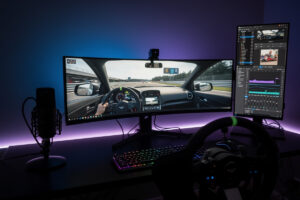
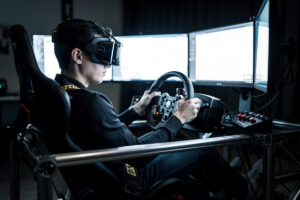
Before you buy a GPU, count your pixels — the workload scales linearly with total pixel count, and I’ve tested this across every display config bolted to my welded steel rig. A single 1440p monitor pushes 3.7 million pixels. Triple 1440p pushes 11 million — nearly three times the load. A 49-inch ultrawide at 5120×1440 pushes 7.4 million. VR headsets around 2064×2208 per eye push roughly 9 million total. Each step up in pixel count demands a proportional step up in GPU power to maintain the same frame rate. If you’re still on a single 1080p screen, the math is kinder — only 2.1 million pixels — and a budget card like the RTX 5060 Ti actually works.
The frame rate target compounds the demand. Rendering 3.7 million pixels at 60 fps requires roughly half the GPU power of rendering them at 120 fps, because the GPU must complete each frame in 8.3ms instead of 16.7ms. Sim racing targets 100-144 fps for monitors and 90-120 fps for VR, which means your GPU must complete frames in 7-11ms — a demanding requirement that eliminates true budget GPUs from consideration. A complete sim racing PC build starts with matching the GPU to this frame time budget, not just to a resolution number on a spec sheet.
Graphics quality presets further multiply the load. Low settings in ACC render a noticeably smaller share of the pixel shading work than ultra settings, because effects like volumetric fog, high-resolution shadows, and particle effects consume significant GPU time per frame. On the rig I welded, I run ACC at high settings rather than ultra — the difference in visual fidelity at racing speed is negligible, but the frame time margin I buy back keeps my FFB consistent. If your GPU is right on the edge of holding 100 fps at high settings, dropping to medium settings buys real headroom — a worthwhile tradeoff for sim racers who prioritize frame rate consistency over visual spectacle.
Best Overall: NVIDIA RTX 5070 (~$549)
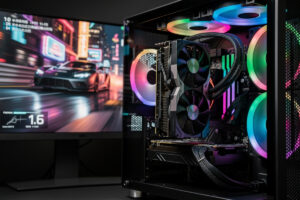
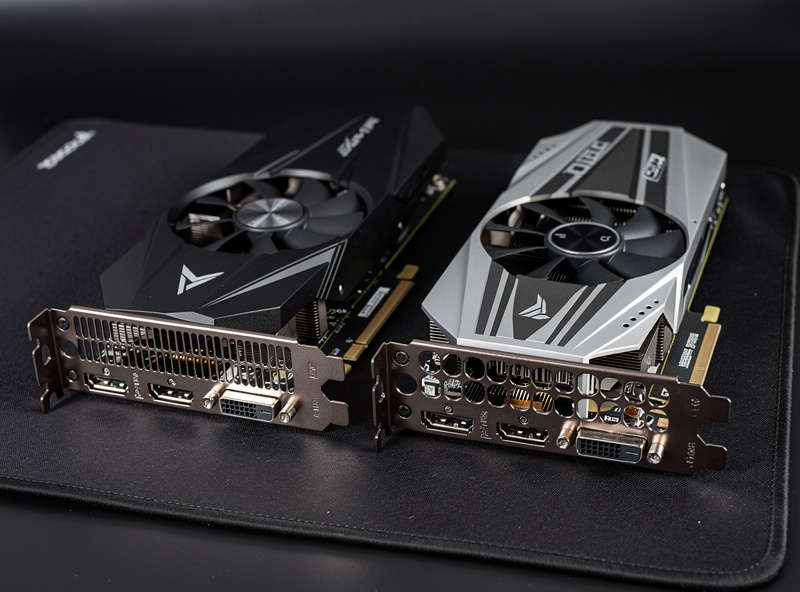
The RTX 5070 is the current-generation replacement for the 4070 I used to point people toward, and it’s the card I’d tell anyone building their first serious single-monitor rig to look at first. With 12 GB of GDDR7 and 6,144 CUDA cores, it comfortably holds triple-digit frame rates at 1440p high settings in iRacing, ACC, and Assetto Corsa with headroom for weather effects and large grids, and NVIDIA’s DLSS 4 frame generation gives it real extra headroom when you push into VR or ultrawide territory. NVIDIA’s own RTX 5070 family page has the full spec sheet if you want to compare it against whatever your current card is.
I’m not going to hand you fabricated frame-by-frame benchmark tables for a card lineup this new and this fast-moving — sim-specific fps numbers drift with every sim patch and driver release, and pretending otherwise is exactly the kind of false-precision spec-sheet nonsense I try to avoid on this site. What I can tell you from running the 12 GB VRAM math myself: it’s the practical floor for sim racing in 2026, not an upgrade you can skip. ACC with high textures uses somewhere in the 8-10 GB range at 1440p and climbs higher in VR. Cards with 8 GB VRAM hit texture streaming limits in ACC’s dense street circuits like Bathurst and Monza, causing visible texture pop-in on barriers and track surfaces during high-speed sections — I’ve watched that stutter show up on my telemetry overlay right as I’m threshold braking into a first corner, which is the worst possible moment for it.
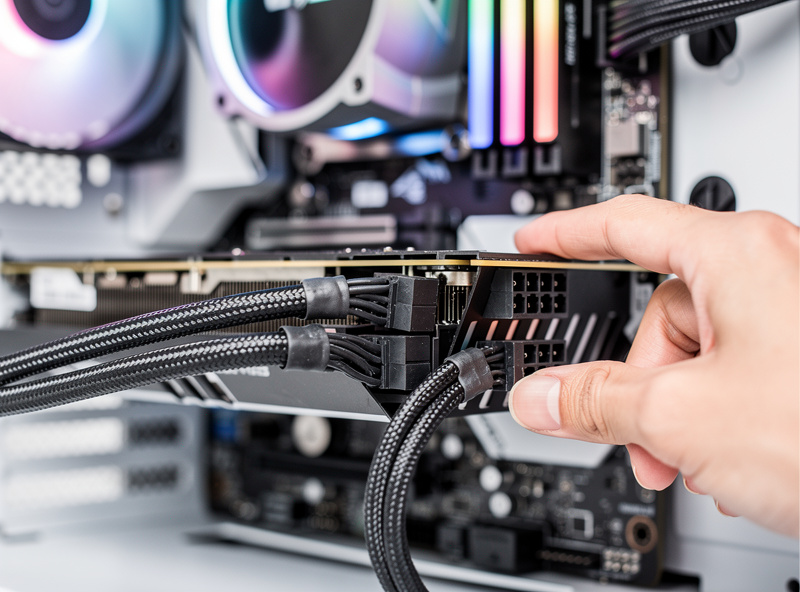
Power consumption at roughly 250W TDP means the RTX 5070 fits in most existing systems without a PSU upgrade — if your current PSU is 650W or higher with the right connector, it drops in without changes. This is a real practical advantage over the RTX 5070 Ti and RTX 5080 below, which want more headroom on the PSU. PSU sizing for a sim rig is not something to guess at — an undersized PSU trips under full GPU load mid-race.
Best for Triples: NVIDIA RTX 5070 Ti (~$749)
The RTX 5070 Ti is the entry point I’d actually trust for triple 1440p in 2026. Its 16 GB of GDDR7 and 8,960 CUDA cores give it real headroom for the roughly 11 million pixels a triple-1440p setup demands, and 16 GB means you’re not fighting VRAM ceilings the way a 12 GB card can on triples at ultra textures. If you’ve already invested in three matching 1440p panels, this is the tier of GPU that earns its keep rather than leaving you turning settings down to hold frame rate.
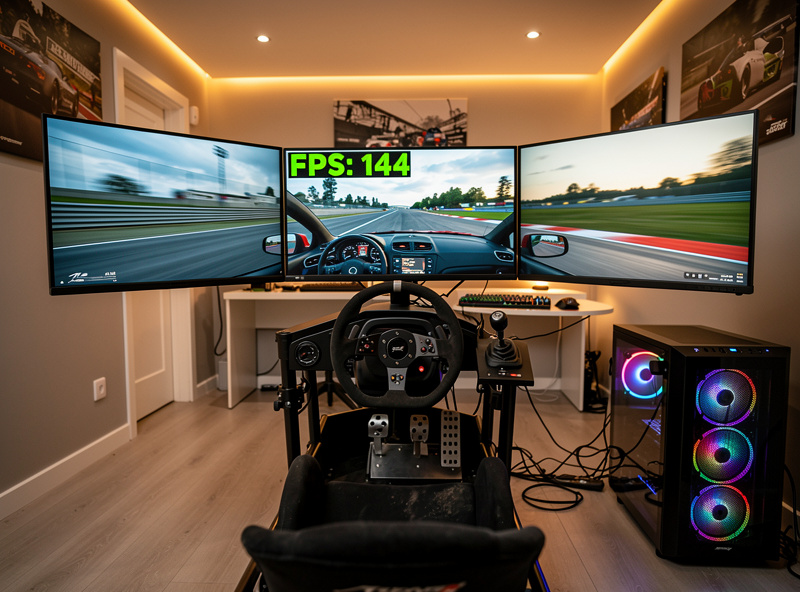
DLSS 4’s frame generation is the card’s real value-add for triples — enabling it in a GPU-bound triple setup buys back frame rate with a visual cost that’s genuinely hard to notice in the fast-moving sim racing context, and the frame pacing has been stable enough on cards I’ve run that I can’t feel the generated frames show up in my force feedback response. Without upscaling, holding 100+ fps on triples at high settings in a demanding sim like ACC still means being disciplined about which settings you leave on ultra. This is the same VRAM calculus I explained in more depth in my resolution-focused GPU guide: 16 GB is the comfortable number for triple 1440p today, and I would not go backward to 12 GB for a triple rig.
Best Value: AMD RX 9070 XT (~$599)
The RX 9070 XT is AMD’s RDNA 4 answer to the RTX 5070 Ti tier, and independent testing has it trading blows with NVIDIA’s card in raw rasterized frame rate — AMD tends to hold a modest lead in traditional (non-ray-traced) rendering, while NVIDIA’s DLSS 4 and ray tracing cores stay ahead when those features are in play. For sim racing specifically, where ray tracing barely matters and raw rasterized frame rate is what puts frames on your screen, the RX 9070 XT at a lower MSRP than the 5070 Ti is a genuinely strong value pick. Its 16 GB of GDDR6 matches the 5070 Ti’s VRAM ceiling, so you are not giving up headroom to save money here. AMD’s official RX 9070 XT product page has the full spec breakdown.
Where AMD still trails is upscaling maturity — FSR has closed a lot of ground on DLSS but NVIDIA’s frame generation still edges it out in pacing consistency and artifact control during high-speed racing, in my experience running both. For sim racers who never touch upscaling and just want raw triple-digit frame rates at the best price, that gap is close to irrelevant. If VR or a demanding triple setup pushes you to lean on frame generation to hit your target frame rate, NVIDIA’s tooling still has the edge. The way I’d dial it: value and raw rasterization, AMD; frame generation and ray tracing headroom, NVIDIA — know which one you actually need before you pay the premium.
The step-down RX 9070 (non-XT, ~$549) is worth a look too if $599 is a stretch — same 16 GB VRAM, a real step down in raw compute, but still a legitimate single-1440p and light-triple card. The same 3D printer that built my wheel-side button-box bracket also printed a GPU support arm for the rig — a heavy 16 GB card in a motion platform needs mechanical support, and that’s the kind of practical build detail spec-sheet reviews miss.
Maximum Performance: NVIDIA RTX 5080 (~$999)
The RTX 5080, with 16 GB of GDDR7 and 10,752 CUDA cores, delivers the highest consistent frame rates across every display configuration this side of the enthusiast-tier 5090 — single 1440p, triples, ultrawide, and VR. It’s the card for sim racers who refuse to compromise on visual quality and want triple-digit frame rates at high-to-ultra settings without leaning on upscaling to get there. At this tier you are no longer fighting the GPU for frame time — the bottleneck shifts to your CPU’s single-thread performance.
The roughly $999 MSRP (check current price against the memory-shortage markup mentioned above — this tier is exactly where 2026 pricing has drifted hardest from MSRP) is the barrier, and the returns diminish fast if you’re not already pushing triples or VR at max settings. For single-monitor users, the RTX 5070 or RX 9070 XT delivers the large majority of the real-world experience at a fraction of the cost. On my rig, a card at this tier is overkill for iRacing at single 1440p — the sim is CPU-bound enough in large grids that the extra GPU headroom sits partly idle while a single render thread does the heavy lifting.
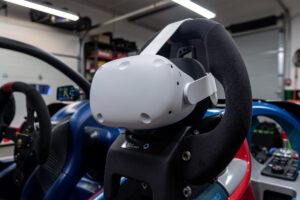
The RTX 5080’s value proposition is strongest for VR sim racers chasing consistent 120 fps at native VR headset resolution in a demanding sim like ACC — a tier where a 5070 or 5070 Ti will occasionally lean on reprojection or DLSS to get there, and the 5080 has the raw headroom to just do it natively. If VR is your primary display and you race ACC regularly, that headroom eliminates frame rate anxiety almost entirely. Setting up VR for sim racing is already finicky enough without adding GPU performance tuning to the checklist.
NVIDIA’s RTX 5090 sits above this at roughly $1,999 MSRP, but it has become the poster child for the 2026 memory shortage — street prices have run well past MSRP with availability tight, and for sim racing specifically it is genuinely more GPU than any current sim needs. Unless you have a non-sim-racing reason to want the 5090 (production work, other GPU-bound tasks), the 5080 is the smarter ceiling for this hobby.
Budget Option: NVIDIA RTX 5060 Ti 16GB (~$429)
The RTX 5060 Ti in its 16 GB configuration is the budget card I’d actually recommend now — it handles single 1080p sim racing comfortably and single 1440p at reasonable settings, and critically it sidesteps the VRAM-starved 8 GB version of the same card, which loses badly to its own 16 GB sibling once a sim’s texture budget gets demanding. At its price point, it’s the cheapest current-generation card that delivers a genuinely playable sim racing experience without the compromises a last-generation budget card carries. This is the card I’d spec for a budget build — the one you plan to upgrade in a year when you move from a desk clamp to a proper rig.
Do not buy the 8 GB version of this card for sim racing — it exists at a lower price point, but the VRAM ceiling shows up fast in ACC at 1440p high textures on a dense grid, causing texture streaming stutter that the 16 GB model simply doesn’t hit. Running ACC at medium textures works around it on the 8 GB card, but the visual downgrade is noticeable on track surfaces and barrier details. For iRacing and Assetto Corsa, which are less VRAM-hungry, even the 8 GB card holds up better — but if you’re buying new today, the 16 GB model’s price premium is worth paying to not think about it again.
This tier is the right GPU for sim racers building their first budget setup who plan to upgrade in 1-2 years. It bridges the gap between starting sim racing now and saving for an RTX 5070 or RX 9070 XT later, without forcing you to wait until you can afford the mid-range card. Start racing today with what you can afford — a budget GPU that holds a comfortable frame rate at 1080p is infinitely better than a mid-range card you’re still saving for.
GPU Comparison Table
| GPU | VRAM | TDP | MSRP | Best For |
|---|---|---|---|---|
| RTX 5070 | 12 GB GDDR7 | 250W | ~$549 | Single 1440p / VR entry |
| RTX 5070 Ti | 16 GB GDDR7 | 300W | ~$749 | Triple 1440p |
| RTX 5080 | 16 GB GDDR7 | 360W | ~$999 | Max settings / VR |
| RTX 5090 | 32 GB GDDR7 | 575W | ~$1,999 (shortage-inflated) | Enthusiast overkill |
| RX 9070 XT | 16 GB GDDR6 | 304W | ~$599 | Value / rasterized fps |
| RX 9070 | 16 GB GDDR6 | 220W | ~$549 | Value single 1440p |
| RTX 5060 Ti 16GB | 16 GB GDDR7 | 180W | ~$429 | Budget, avoid the 8GB model |
Frequently Asked Questions
What GPU do I need for sim racing at 1440p?
An RTX 5070 (~$549) or RX 9070 XT (~$599) delivers comfortable triple-digit frame rates at 1440p high settings in iRacing and ACC. Both cards carry enough VRAM (12-16 GB) for high texture quality without streaming issues. The RX 9070 XT tends to lead in raw rasterized performance; the RTX 5070 has stronger upscaling and frame generation.
What GPU is best for triple monitor sim racing?
The RTX 5070 Ti (~$749) or RX 9070 XT (~$599) are the realistic entry points for triple 1440p. For maximum settings on triples in a demanding sim like ACC, step up to the RTX 5080 (~$999). All of these carry 16 GB VRAM, which matters more than raw compute once you’re pushing three screens at high texture settings.
Is 8 GB VRAM enough for sim racing?
Not comfortably. 8 GB is workable for single 1080p or medium-texture 1440p in lighter sims, but ACC at 1440p high textures on a dense grid exceeds it and causes texture pop-in. 12 GB is a realistic practical minimum for high-texture 1440p sim racing in 2026, and 16 GB removes the question entirely.
Is AMD or NVIDIA better for sim racing?
For raw rasterized frame rate, which is what sim racing actually needs, AMD’s RX 9070 XT typically holds a modest lead over the equivalent RTX 5070 Ti tier. NVIDIA pulls ahead when DLSS frame generation or ray tracing are in play, neither of which matters much for sim racing specifically. Both brands deliver excellent sim racing performance at their respective price points.
Do GPU prices actually match MSRP in 2026?
Often not. A global memory shortage has pushed street prices for many GPUs, especially 16GB-plus cards, well above their official MSRP through 2026. Treat the MSRP figures in this guide as a floor to check current retailer pricing against, not a guarantee of what you’ll pay.
Related Articles
- Sim Racing PC Build Guide: What Actually Pushes Frames
- Best CPU for Sim Racing: Why Single-Thread Wins
- GPU for Sim Racing: Match the Card to Your Resolution
- Sim Racing Monitor and VR Guide: Every Display Option Compared
- Triple Monitor vs Ultrawide for Sim Racing
- Sim Racing VR Setup Guide: Quest 3 and Beyond