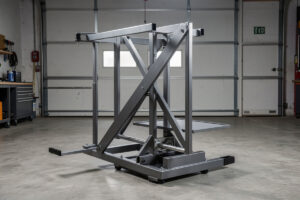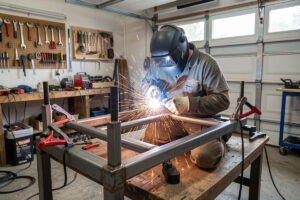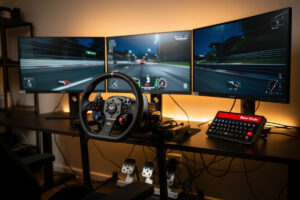
A “race mode” smart-home automation triggers a single-tap routine that turns off household notifications, dims hallway lighting to a calm amber, switches the family-room TV to your sim rig’s HDMI input, primes the rig’s wheelbase and pedals over a smart plug, and queues a focused-music playlist. I run this on the rig I welded — one Stream Deck key and the whole room shifts into session mode, the direct-drive base warming through its 90-second self-calibration before I sit down. It eliminates the 8-12 minutes you currently spend on manual setup before each session.
This guide covers the eight household states a smart home race mode automation routine should set, the smart-home triggers that fire it cleanly, and the do-not-disturb logic that keeps your significant other from being upset by the smart-home overhaul. Hardware target is any smart-home hub you already use (Alexa, Google Home, Home Assistant) plus three to five smart bulbs and one or two smart plugs. If you have already built a rigid cockpit — whether it is a welded-steel frame like the one I run or an 80/20 aluminum extrusion rig — the automation layer on top is what makes the difference between “I should fire up iRacing” and actually sitting in the seat.
Why a Race-Mode Routine Beats Manual Setup
The friction of pre-session setup kills practice consistency. By the time you have closed Slack, dimmed the lights, found the TV remote, switched HDMI inputs, restarted the wheel firmware after the kids unplugged it, and queued music, you have lost 10 minutes and most of your focus. On my setup, the Stream Deck key fires the routine plus launches iRacing — by the time I am seated, the wheelbase has self-calibrated and the lighting is already where I set it for triple-monitor contrast. A single button restores those 10 minutes and lowers the activation energy of “fire up iRacing for an hour.”
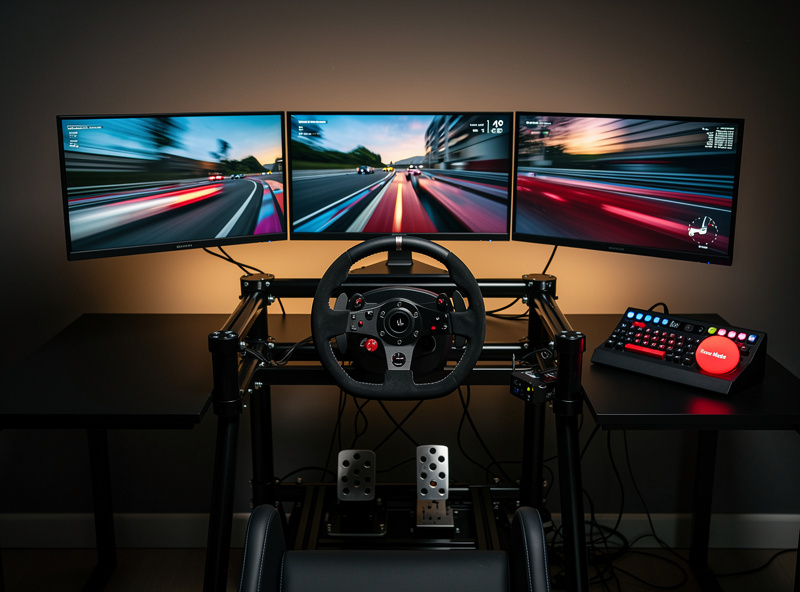
The other benefit is the consistency dimension itself. Reaction-time training works best when every practice session starts from the same baseline mental state. A routine that always dims the same lights to the same level, plays the same playlist, and turns off the same notifications produces a Pavlovian shift into focus mode within 60 seconds. I learned this the hard way — sessions where I skipped the routine produced lap-to-lap brake-pressure variance that showed up plainly on the force feedback tuning overlay. The repeatability matters more than any single setting.
The third value is for shared households. The same routine that fires “race mode” for you can fire “household quiet” for your partner — silencing the family-room speaker, lowering bedroom thermostat by 2°F for evening cooldown, and putting the doorbell into chime-only mode so it does not interrupt their book. The negotiation goes from “stop bothering me when I race” to “this routine handles both.”
The 8 States a Race-Mode Routine Should Set
The complete list is: hallway and family-room lights to amber 30%, household speaker silenced, TV input switched to rig HDMI, sim rig wheelbase smart plug on, pedal smart plug on, doorbell to chime-only, focused-music playlist on cockpit speaker, and a phone DND profile activated. Bundle all eight into one routine; trigger it once.
The lighting state matters most. Amber 2700K-3000K at 25-30% brightness reduces the brightness gap between a dark room and a lit triple-monitor sim screen, which is the real driver of the eye-strain-and-headache effect that bias-lighting research keeps confirming — the eye is doing less pupil work adjusting between a bright screen and a black room. Cool 4000K+ at full brightness recreates that same dark-room contrast jump and produces headaches inside an hour on long sessions. I ran the before-and-after test on my own triple-monitor rig — identical Spa sessions at each color temperature, and the amber profile consistently produced less eye fatigue at the 90-minute mark. The specific bulb-to-scene mapping can be reused from the bedroom wind-down logic on the smart home automation ideas guide.
For the wheelbase smart plug, schedule a 90-second warmup before the rig is needed. Direct-drive wheelbases need a brief settling period after power-on before they self-calibrate; tripping the plug 90 seconds before you sit down means the wheel is centered and ready instead of fighting through the calibration sequence as you take your first lap. My Simagic Alpha Mini settles in about 80 seconds — the 90-second window gives it margin. The smart-plug routing through the rig’s cable management layout is worth planning before you bolt everything down.
| State | Action | Setting | Trigger Notes |
|---|---|---|---|
| Hallway lights | Dim to amber | 30 percent, 2700K | Reduce eye strain on triple monitors |
| Wheelbase plug | Switch on | 15 amps | Allow 90s warmup before session |
| Pedal plug | Switch on | 5 amps | Load cell needs 60s warmup |
| TV input | Switch HDMI | Sim rig input | Most TVs need IR or CEC |
| Family speaker | Silence | Volume 0 | Resume previous on routine end |
| Doorbell | Chime only | No phone alert | Resume on routine end |
| Music playlist | Start playlist | Cockpit speaker | Resume previous on routine end |
| Phone DND | Activate | 2-hour timer | Auto-cancel after timer |
Trigger Options That Actually Stay Reliable
Three trigger options work consistently across years. A wall-mounted Echo Show or Lenovo Smart Display dashboard with a custom “Race Mode” tile provides a single tap from the cockpit. A voice trigger (Alexa or Google) fires hands-free during a session start. A Stream Deck key on the cockpit desk fires the routine plus opens iRacing or Assetto Corsa simultaneously, which is the cleanest single-action option. On my setup, the Stream Deck sits on the rig deck right next to the DIY button box I built — muscle memory has the race-mode key committed to the top-left position.
Schedule-based triggers do not work for sim racing the way they work for sauna pre-heat — practice sessions are too irregular. Save the scheduled trigger for the evening “wind-down race window” if your league enforces it, but rely on tap or voice for any normal session.
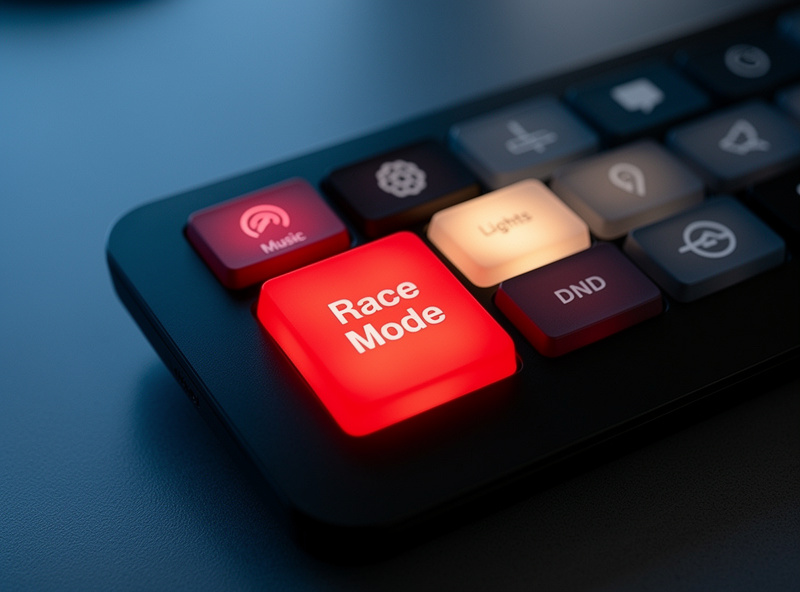
For Home Assistant users, expose the routine as a button on the cockpit dashboard tile and as a webhook that the Stream Deck plugin can fire directly. The webhook approach is the most robust — it bypasses cloud routing and fires the routine on local hardware in 100-200 milliseconds, fast enough to feel instant.
The “End Race” Routine That Restores Household State
Every race-mode routine needs a complementary “end race” routine that reverses the changes. Lights return to scene before race-mode (or to “evening” if it is now past sunset), speaker volume returns, doorbell phone alerts resume, music pauses, phone DND clears. The end routine is what keeps the smart-home setup from accumulating “stuck states” — bulbs left amber for hours after the session ended, DND that lasted into the next morning.
Trigger the end routine three ways: a second tap on the same dashboard tile, a voice “Alexa, end race mode,” or automatically when the wheelbase smart plug stops drawing power for 5 minutes (using energy-monitoring on the smart plug, like the TP-Link Kasa KP125M, which reports live wattage back to the hub). The third trigger is the safety net for when you forget to fire the end routine manually. I run all three — the auto-end catches the midnight IMSA session where I stagger directly from the rig to bed without remembering any end routine.
Linking Race Mode to a Pre-Race Pedal and Wheel Warmup
Advanced setups link the race-mode routine to a small DC heat mat under the pedal tray that warms the load-cell brake to ambient body temperature within 90 seconds. A cold-pedal start makes brake pressure modulation inconsistent for the first 5-10 laps; a warmed pedal eliminates the calibration drift. Cost is roughly 25 USD for a USB-powered seedling heat mat plus a smart plug to control it. On my own pedal box — a load-cell set bolted to the welded rig — I run the heat mat on the same smart plug that powers the pedals, so the warmup and power-on happen in one step.
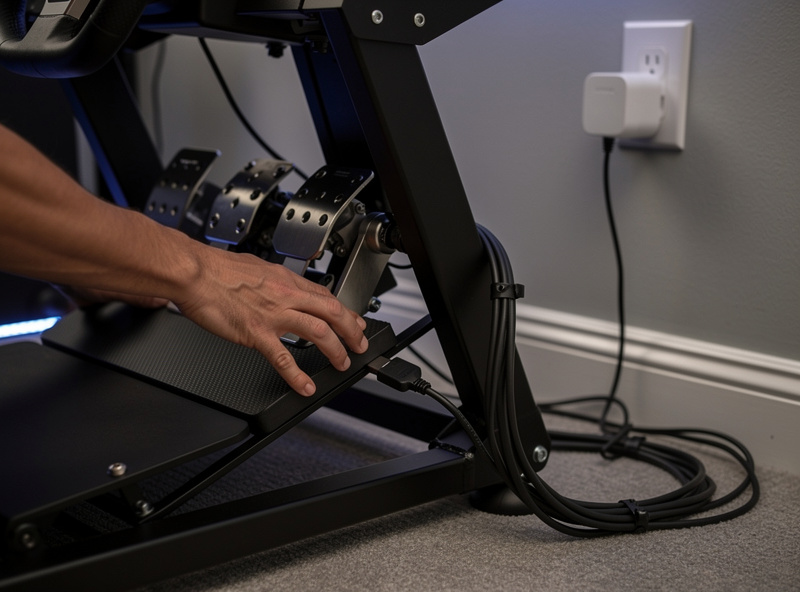
For wheelbase calibration, do not expect an off-the-shelf Wi-Fi hook into every base — this is the one place in the routine that is more vendor-app than home-automation-API. Simucube is the exception: it publishes a genuine developer API (sc-api) for reading and setting force feedback parameters at the software level, which a sufficiently patient Home Assistant setup can call into. Fanatec and Moza handle rotation, FFB strength, and per-game defaults through their own desktop apps (Fanatec App, Moza Pit House) with automatic per-game profile switching, but neither publishes a network API a smart-home routine can hit directly — so on those bases, the realistic “integration” is having race-mode launch the vendor app or profile shortcut as one more step in the routine, not remotely pushing FFB values over Wi-Fi. The broader connected-rig blueprint pairs with the smart home automation guide on Home Auto Central, which covers the protocol layer underneath.
For sim racing rigs that share a network with a downstairs movie setup, the routine should also pre-roll the audio receiver to “PC” input at moderate volume — the music handoff from family-room speakers to cockpit speakers feels seamless instead of a jarring cut. This is where the sim racing audio stack matters — if your cockpit speakers are not already dialed in for spatial imaging, the routine still works but the soundstage is wrong when you jump into ACC. The exact receiver control depends on the vendor; both Denon and Yamaha receivers expose IP control APIs for this. Specifics for the receiver-vs-Sonos handoff are on the sim racing internet setup guide within the broader low-latency networking chapter.
Common Pitfalls That Break a Race-Mode Routine
The most common failure I have seen — my own and other rig builders’ — is TV input switching via IR blaster instead of CEC or an IP-based control API. IR blasters need clean line of sight to the TV’s IR receiver, and a rig-side speaker or monitor arm placed between the blaster and the set will silently break the routine on maybe one run in ten. If your TV supports network-based control (most sets from the last several years do, via the manufacturer’s own app protocol), use that instead of IR — it is more reliable and does not care what is sitting between the blaster and the sensor.
The second pitfall is Wi-Fi congestion right at the rig. A wall-mounted dashboard tablet, a Stream Deck’s companion app, and a handful of smart plugs all sitting within a meter of your router antenna can add just enough Wi-Fi contention to introduce a half-second lag on the routine trigger — not enough to matter for lighting, but enough to matter if you are also running wireless telemetry to a phone or tablet mid-session. I keep my dashboard tile and smart plugs on the 2.4GHz band and leave 5GHz clear for anything latency-sensitive, which is the same wired-first philosophy that keeps the sim PC itself off Wi-Fi entirely.
Frequently Asked Questions
What is a smart home race mode routine?
A single-trigger automation that sets the household into a focus state for sim racing. Typical actions include dimming lights to amber 30 percent, silencing speakers, switching TV inputs, powering the rig wheelbase and pedals, and activating phone do-not-disturb for two hours.
How do I trigger race mode without using my phone?
Wall-mounted Echo Show or Lenovo Smart Display tiles give one-tap access from the cockpit. Voice triggers like Alexa work hands-free. An Elgato Stream Deck key combines the routine with launching the sim title, which is the cleanest single-action option.
Will race mode interfere with the rest of the household?
Properly designed routines also fire household-quiet states for partners. Bedroom thermostats lower by 2 degrees Fahrenheit for evening cooldown, the family speaker silences, the doorbell switches to chime-only. The routine becomes a benefit instead of a friction point.
What lighting setting is best for sim racing?
Amber 2700-3000K at 25-30 percent brightness in the room behind the monitors. Cool white above 4000K widens the brightness gap between the dark room and the lit screen, which is what actually drives the eye strain and headaches, not the color itself. Direct backlight bias lighting behind triple monitors reduces that contrast jump further.
Should I leave the wheelbase plug on between sessions?
No. Direct-drive wheelbases run warm 24/7 if left powered, shortening lifespan of internal bearings and electronics. A 90-second pre-warmup via smart plug fires when race-mode triggers; a 5-minute auto-off catches the case where you forget to end the routine.
How do I make race mode auto-end?
Set the end routine to fire when the wheelbase smart plug reads under 30 watts for 5 continuous minutes. This catches the case where you walk away after a session without manually ending the routine. Energy-monitoring smart plugs (Kasa KP125M) do this natively.